Spaces and folders


|
Spaces and folders |
|
|
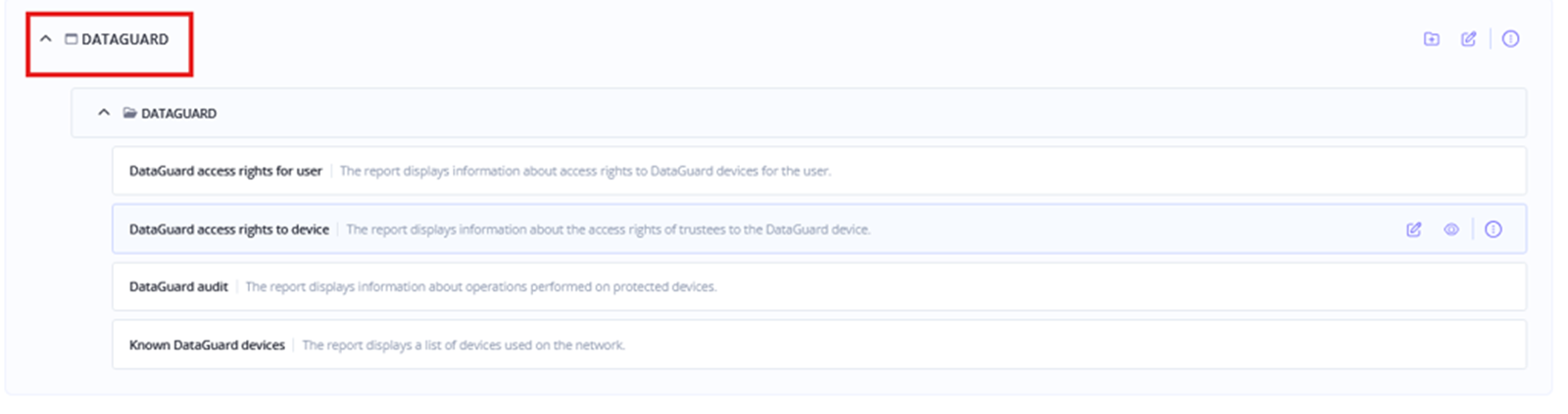
Spaces organize reports visually and functionally. Reports in one space share the same access settings and the same visual highlight.
The range of spaces depends on your license: •Basic license – reports from the Network, Device Monitoring, Alerts and Other spaces •Full version – additionally, reports from the DataGuard, HelpDesk, Inventory, User Monitoring and SmartTime spaces
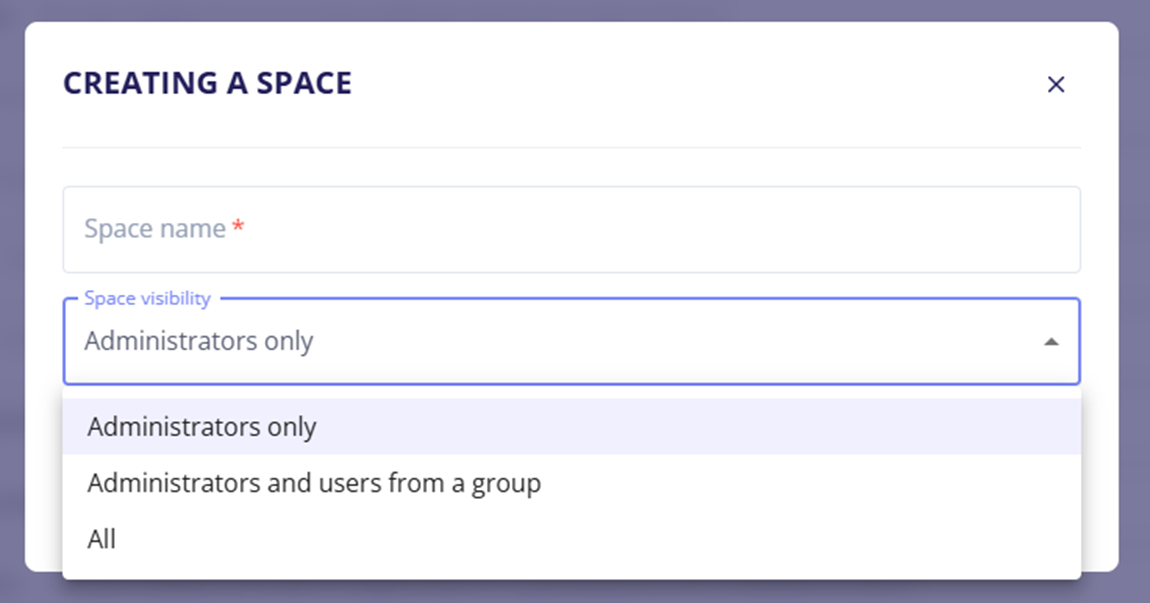
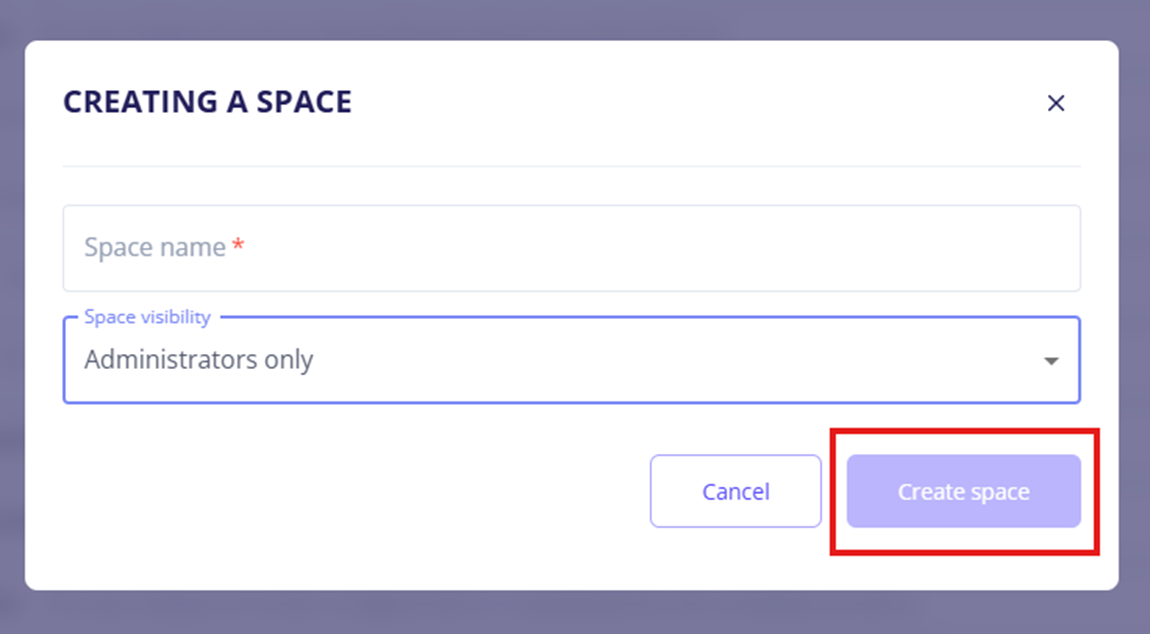
Creating a space Only an Administrator can create a space. When you create it, you decide who will see it: •Administrators only •Administrators and users from selected groups •Everyone
Editing a space An Administrator can change the name of a space and its access settings. To edit a space: 1.Click on the edit icon next to the space. 2.In the form, change the name or the access settings.
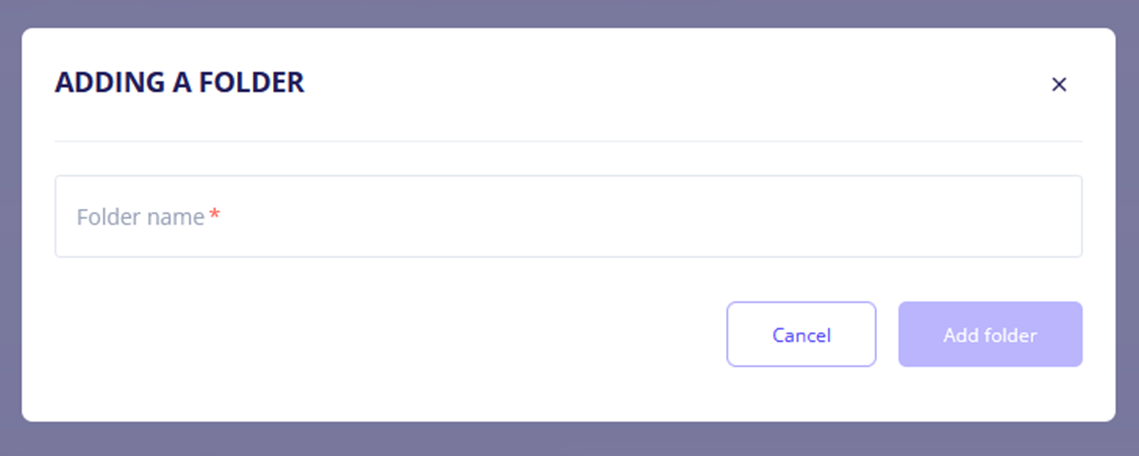
Folders You can create folders in a space, and one more folder in a folder. Only one level of nesting is allowed.
In folders, you place reports created in the report designer or moved from other folders. |