Restoration of built-in reports


|
Restoration of built-in reports |
|
|
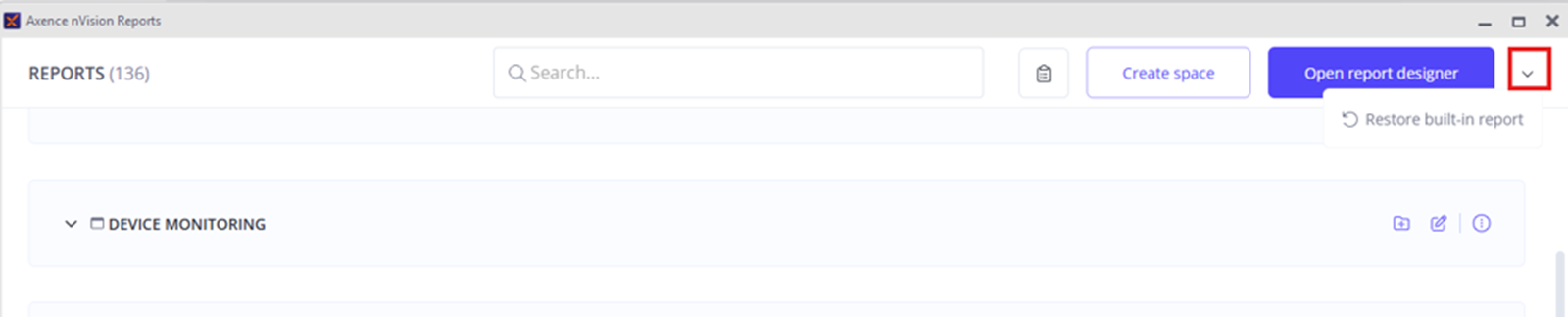
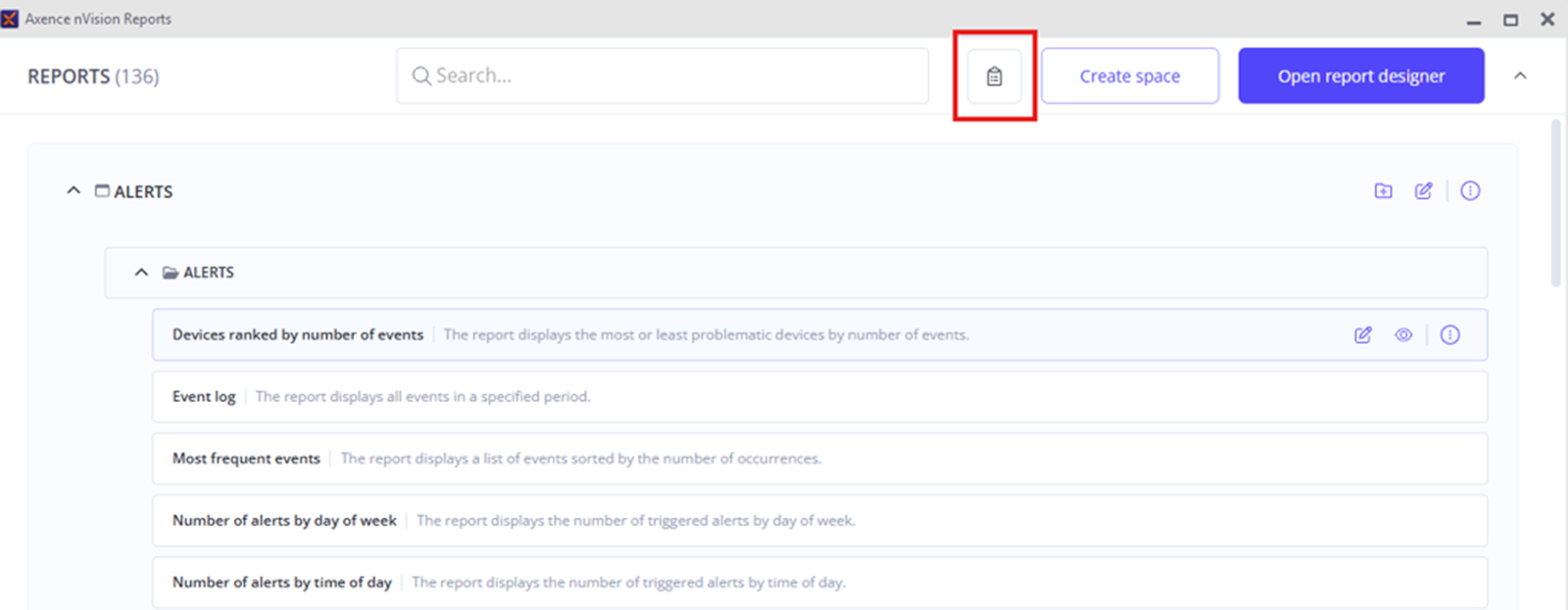
You can restore a built-in report to its state before your changes. To restore a report: 1.Click on the arrow in the top menu to open the list of changed reports. The list shows: •The original title and description of the built-in report •The name of the module the report is assigned to (not every report belongs to a module)
2.Click on the restore button next to the selected report.
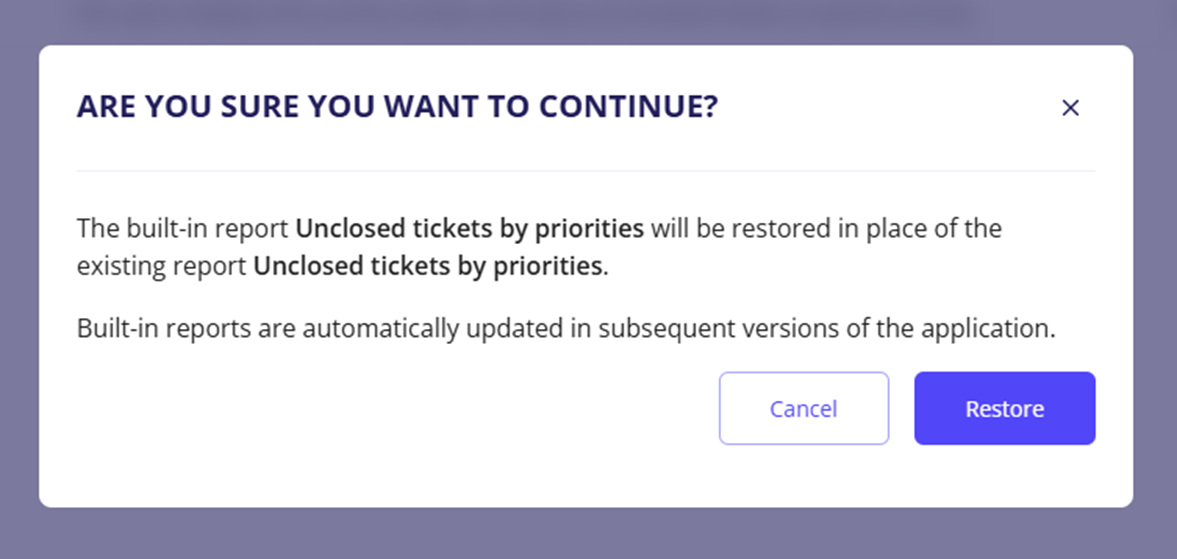
3.Confirm undoing the changes or restoring the deleted report.
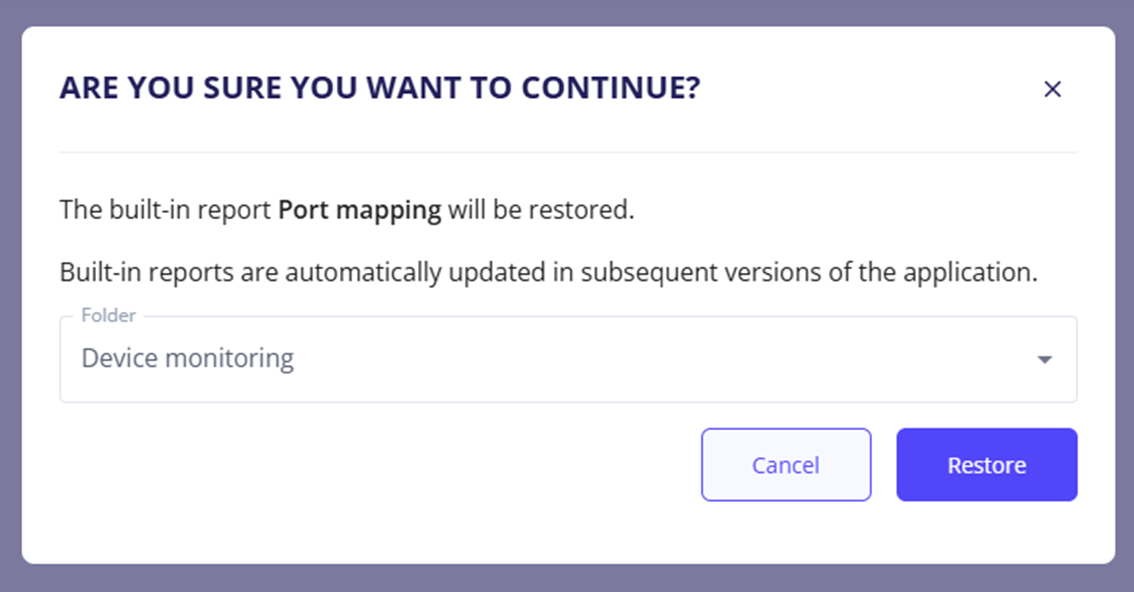
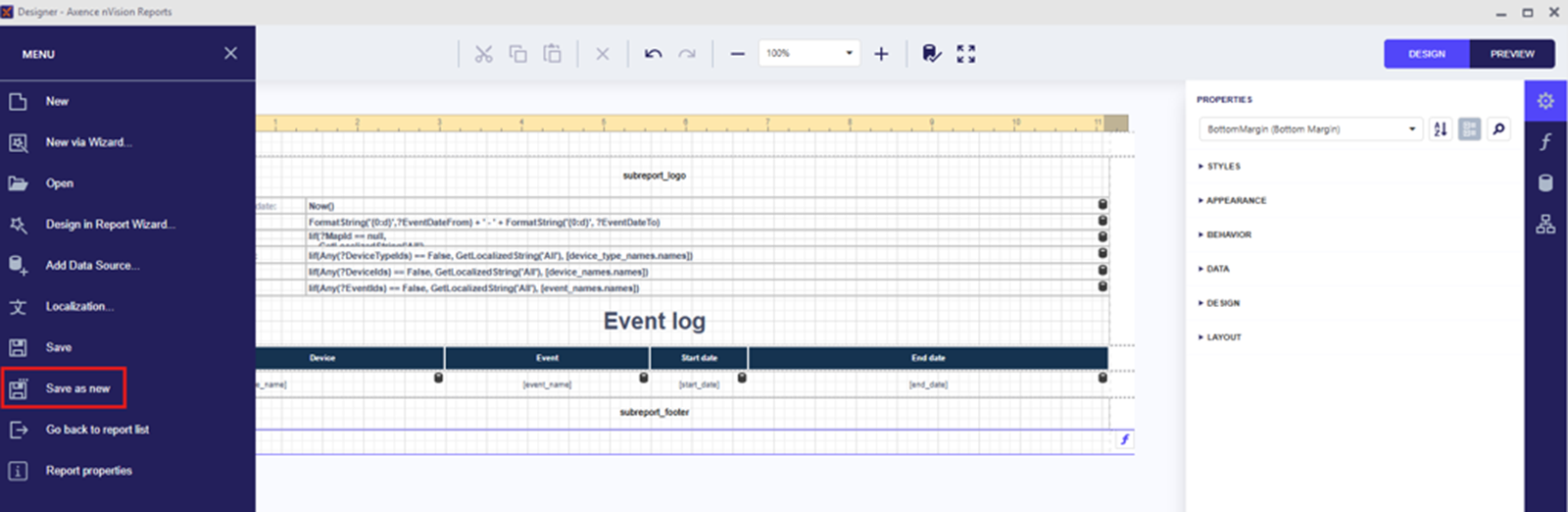
The list also contains reports deleted in older versions of Axence nVision®. Important! •A report restored to its state before editing stays in its current location. •When you restore a deleted report, you select where to save it. By default, it is the last location of the report; if its folder has been deleted, no default value is set. Keeping both versions of a report If you want to use the changed version of a report and keep the original version: •Save the changed report under a different name
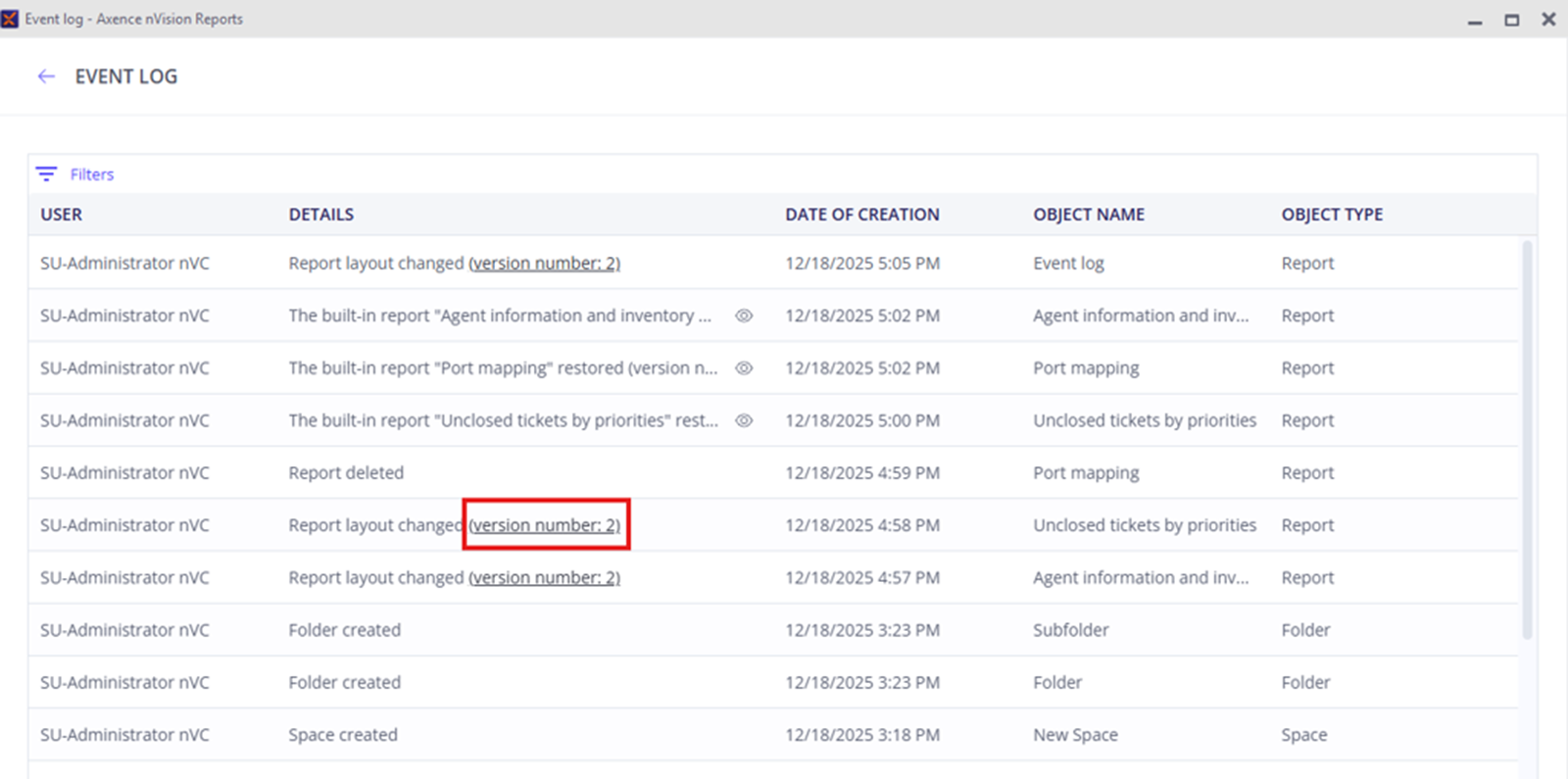
•Or use the version saved in the event log
|