Adding a chart


|
Adding a chart |
|
|
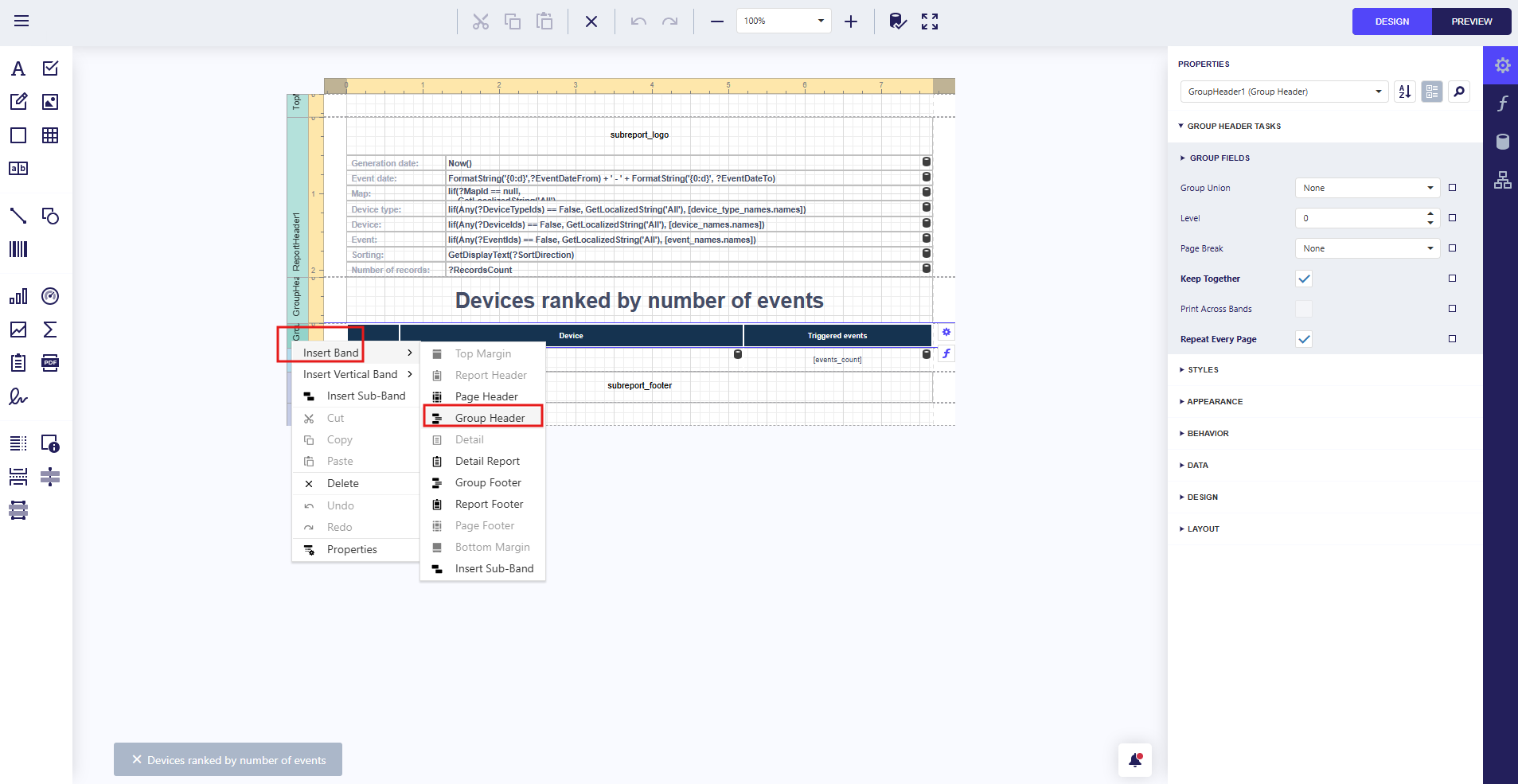
To the Devices ranked by number of events report, you will add a bar chart with the number of events per device. 1.Add a group header in which the chart will be placed.
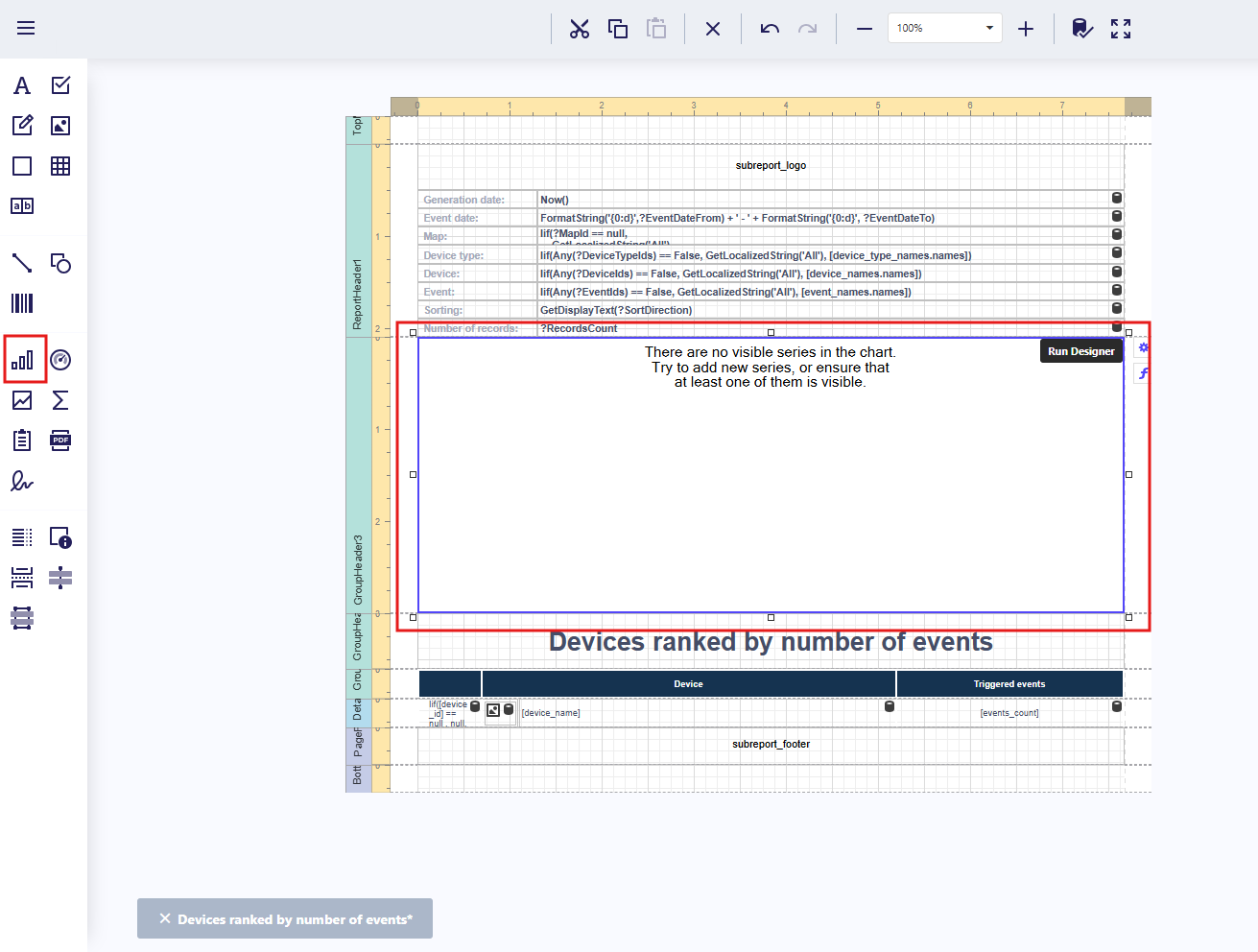
2.Drag the bar chart icon to the header and stretch the field to the width of the page.
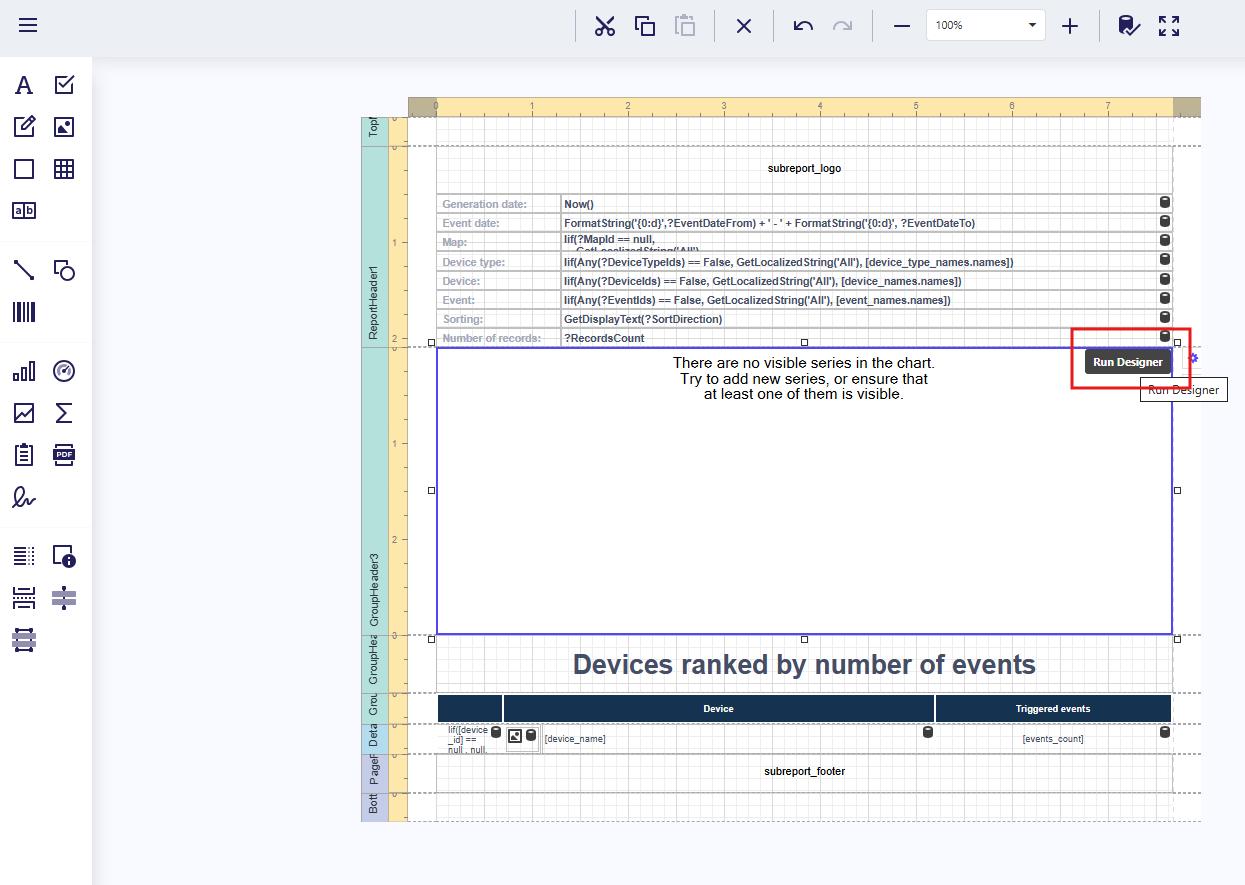
3.Start the chart designer.
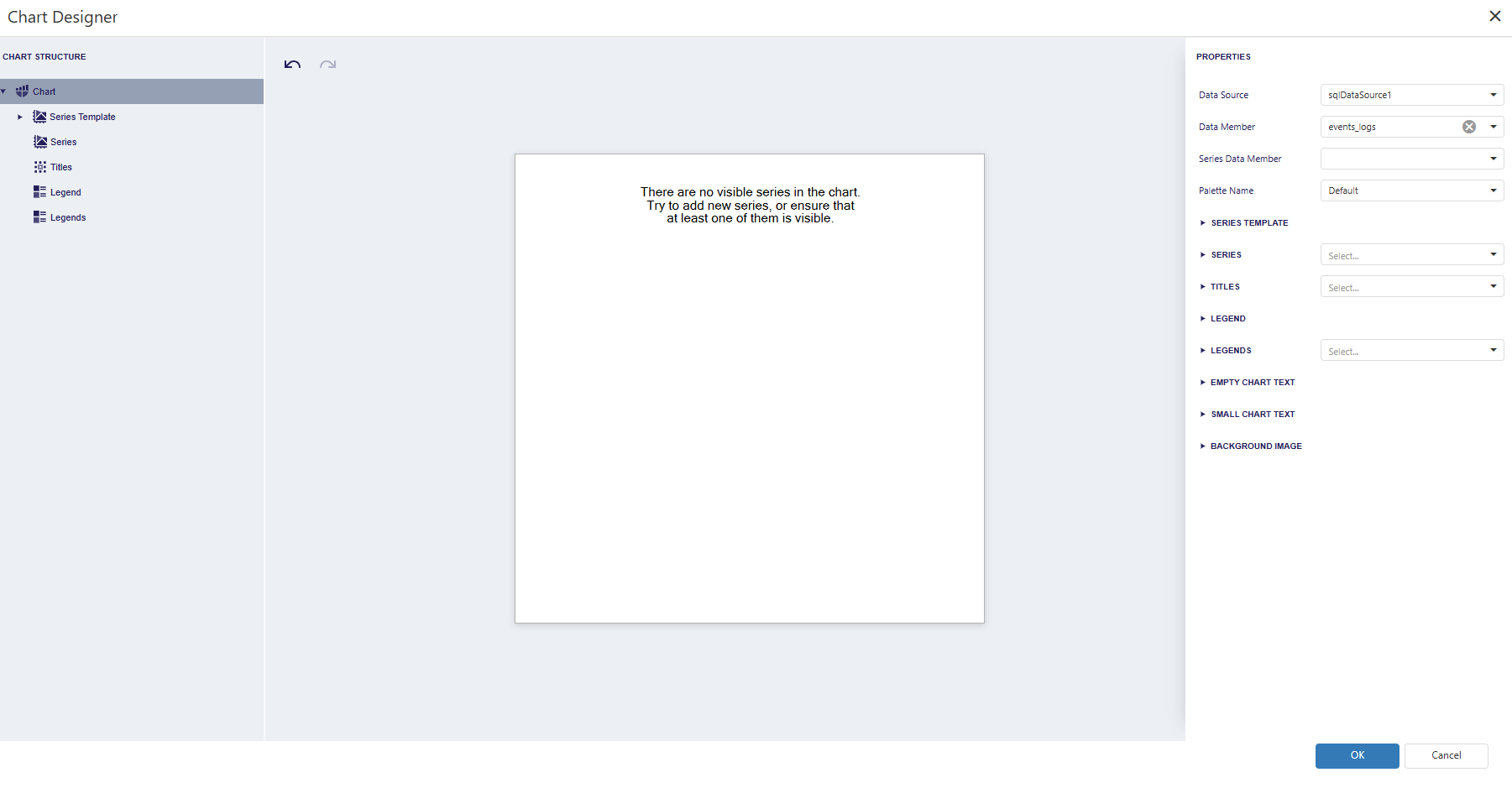
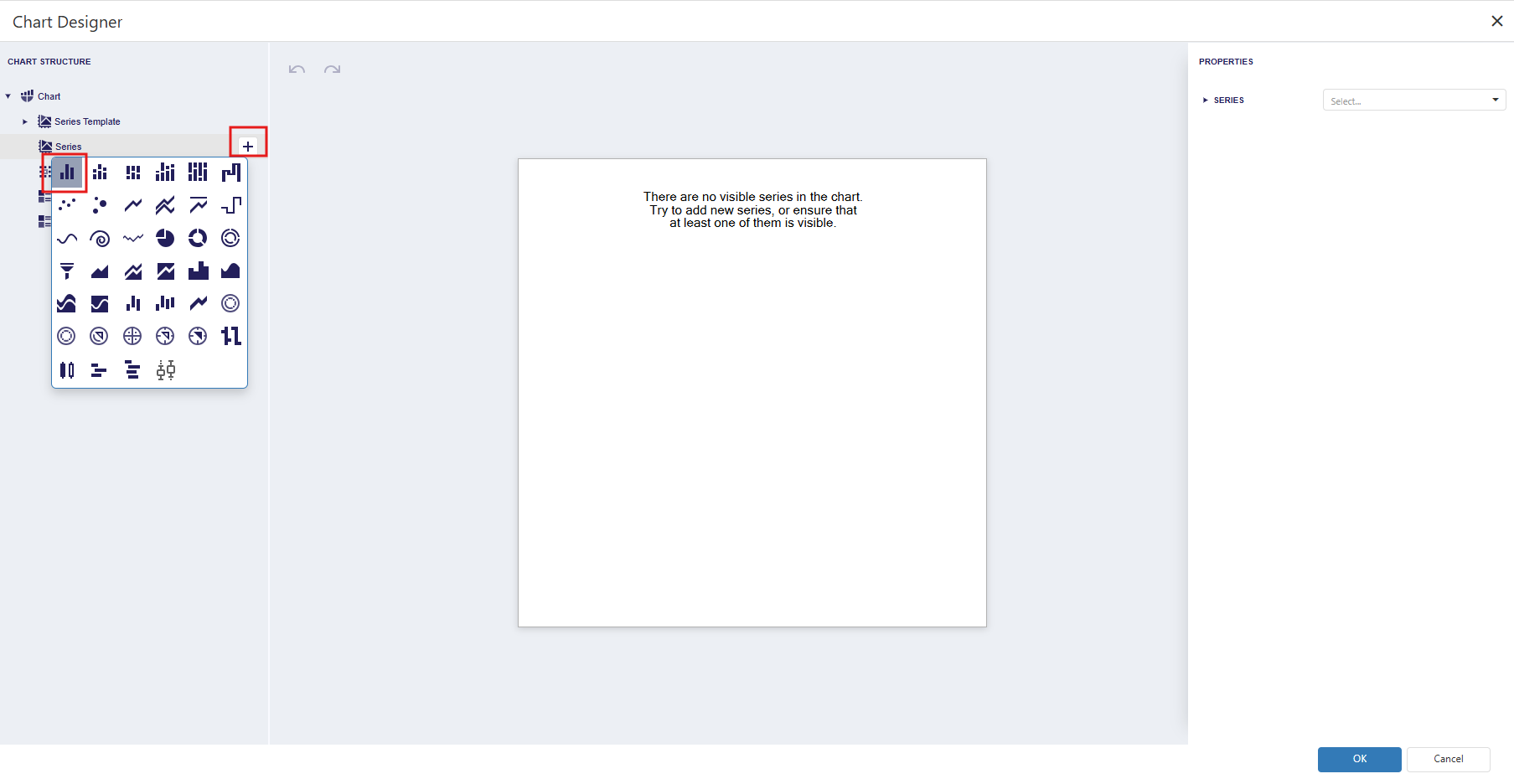
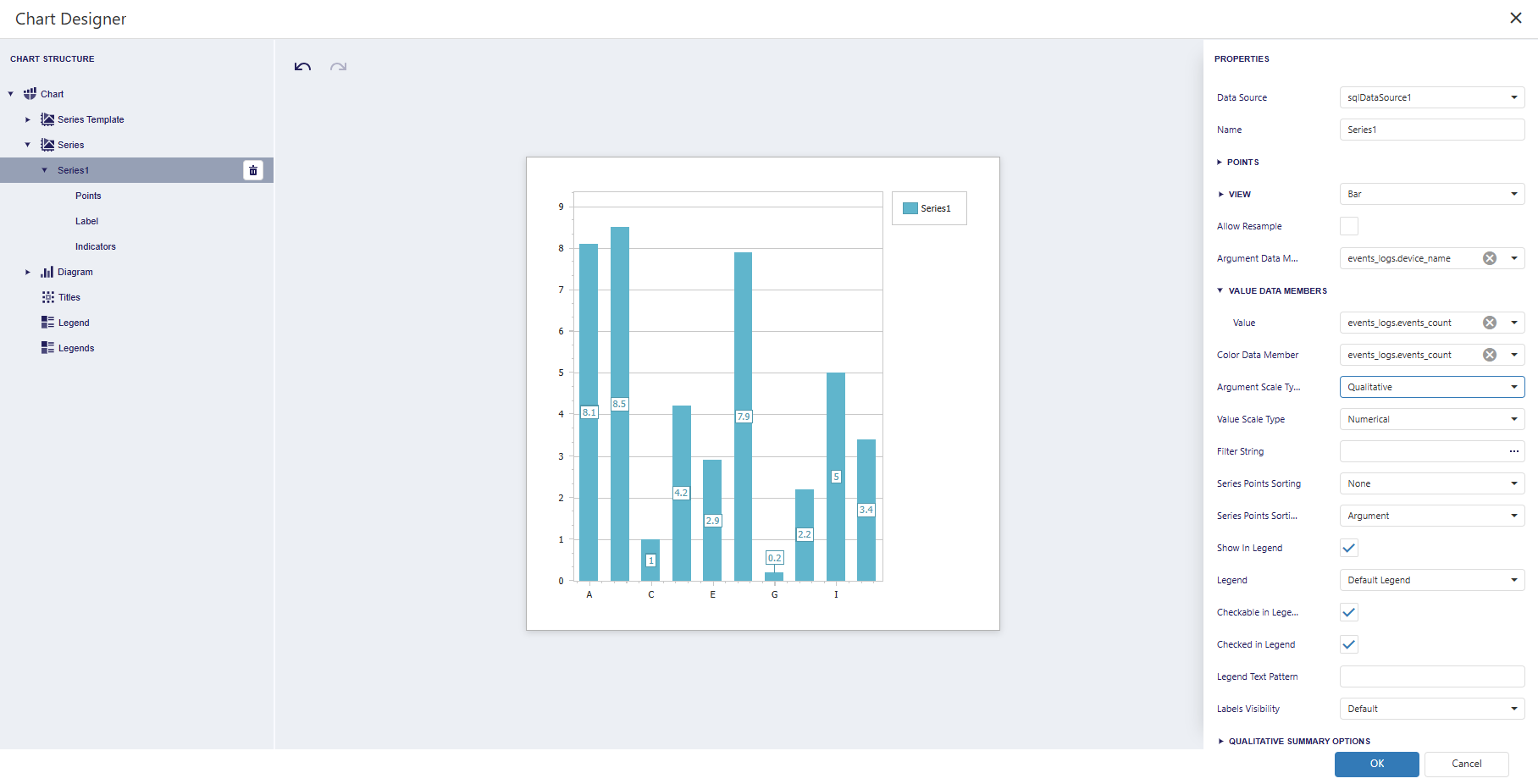
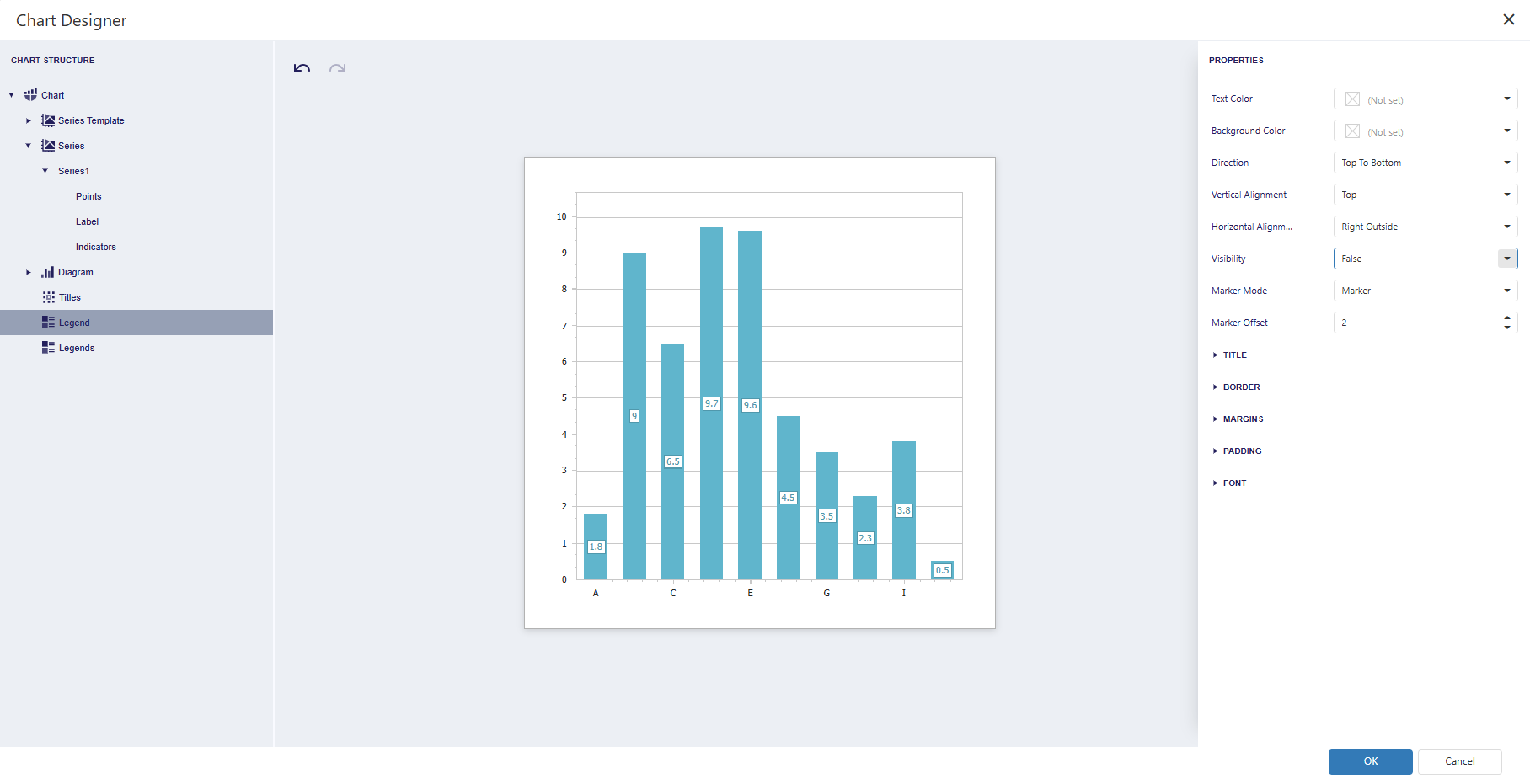
4.Go through the steps of the designer.
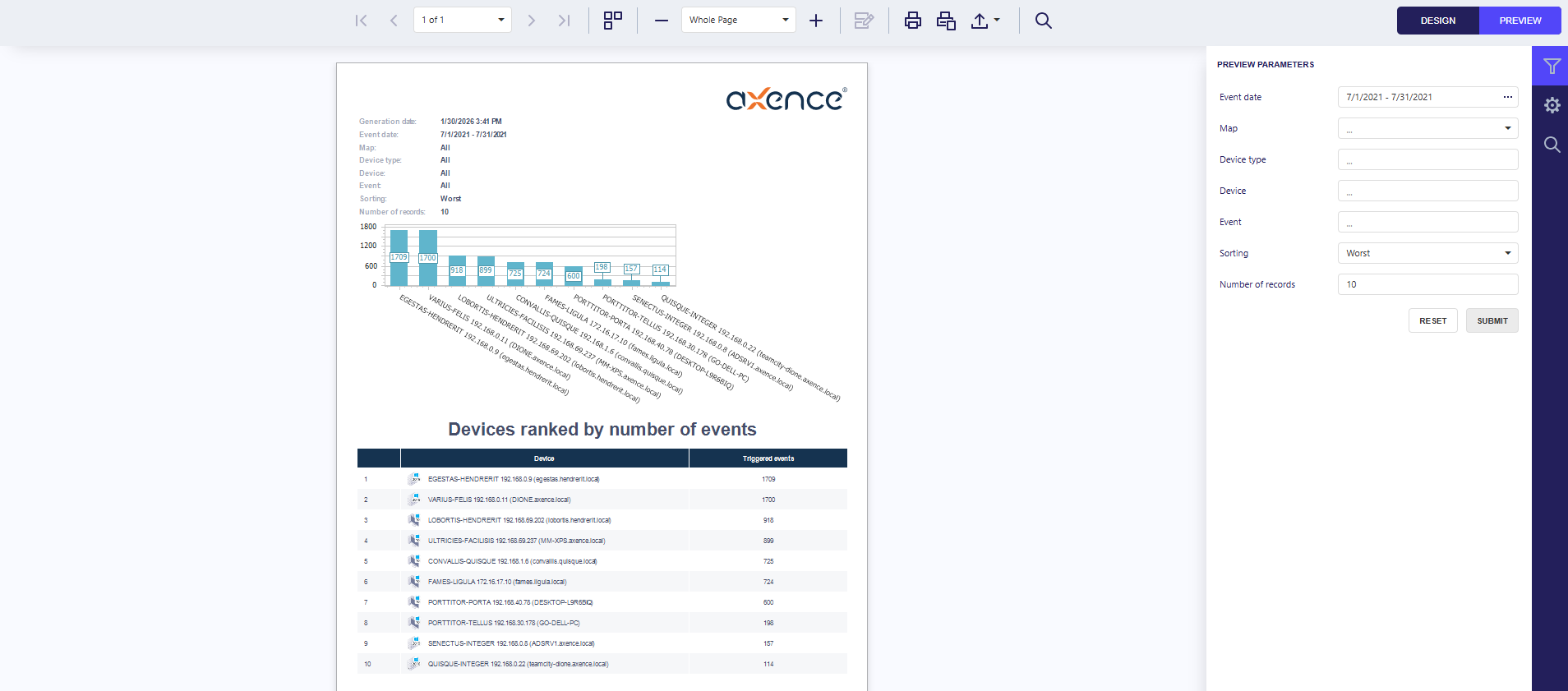
5.Confirm the data and check the chart on the Preview tab.
Next: Adding a table of contents. |