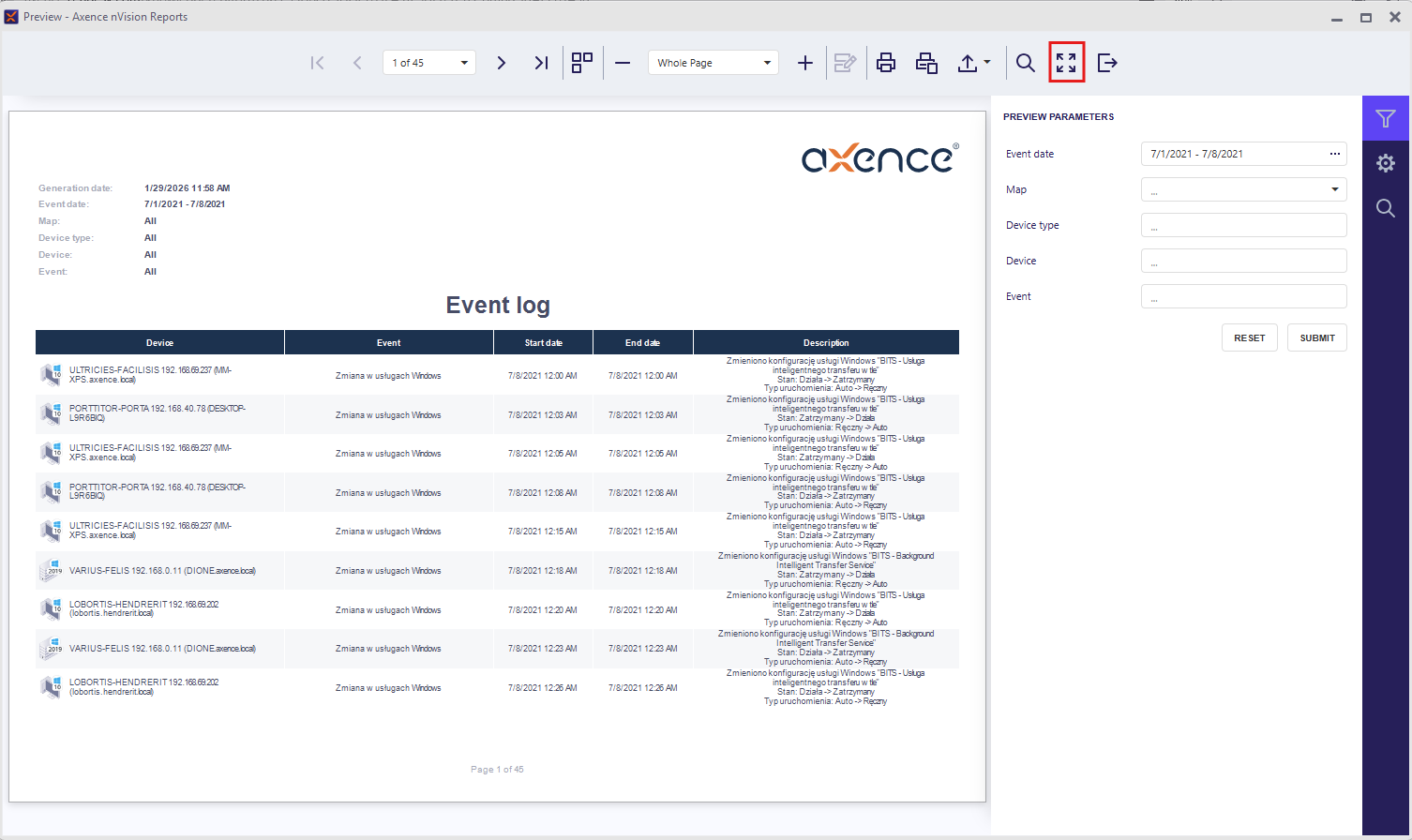
Report preview


|
Report preview |
|
|
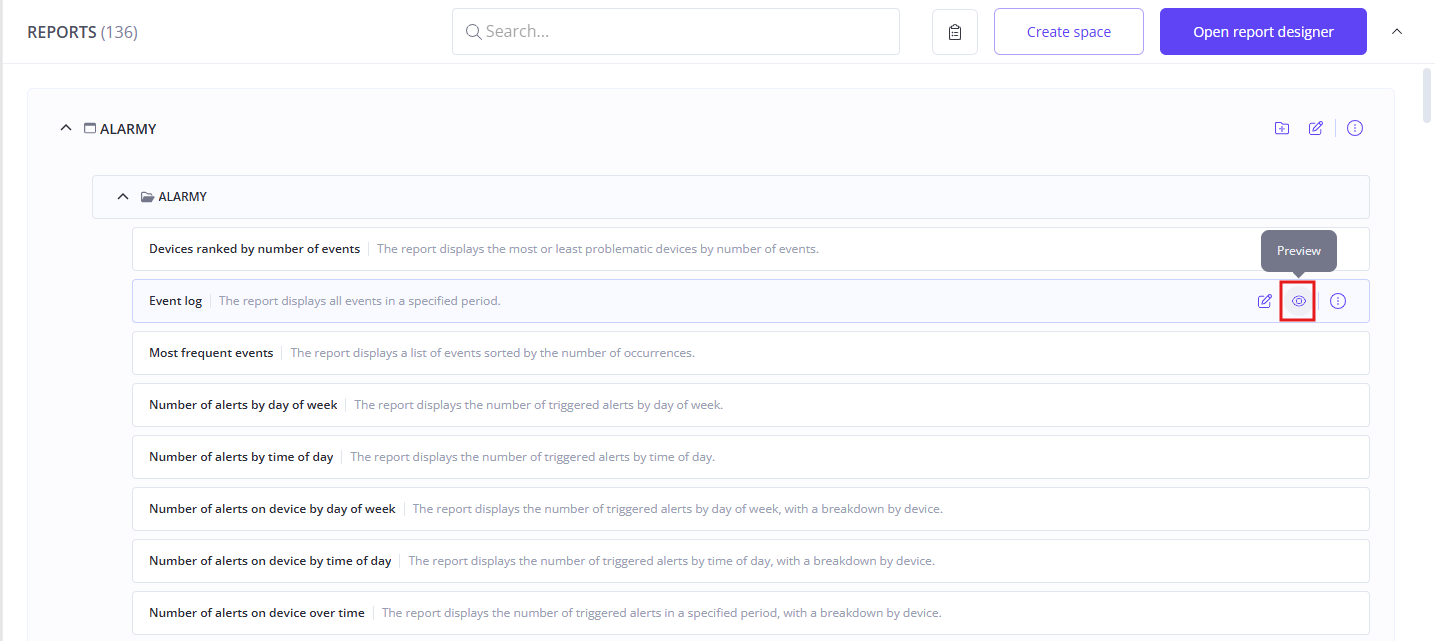
To generate a report: 1.In the list of reports, click on Preview in the row of the selected report.
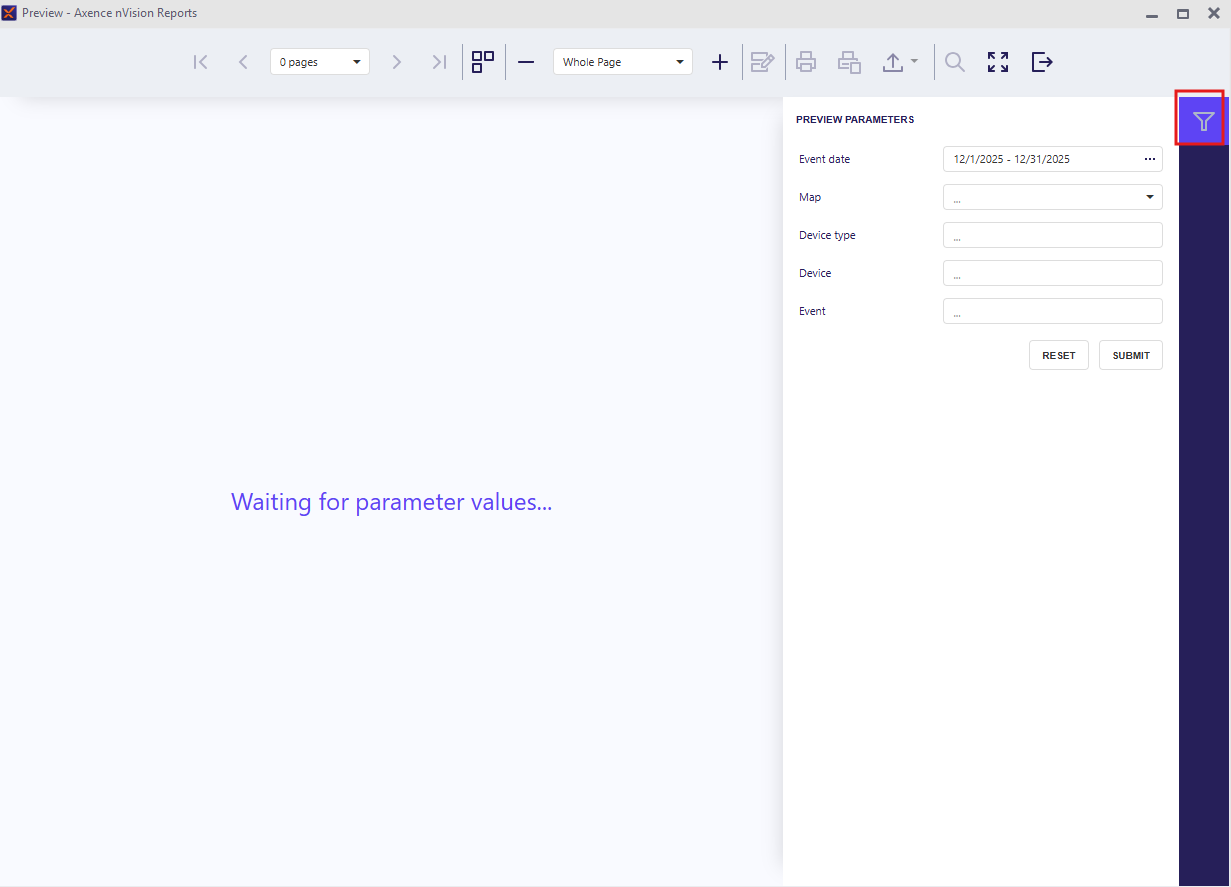
2.If the report has parameters, instead of its content you will see the message Waiting for parameter values. Enter the values in the filter section on the right – usually you select them from a list. 3.Click on [ Send ] to confirm the parameters. The [ Reset ] button clears the entered values.
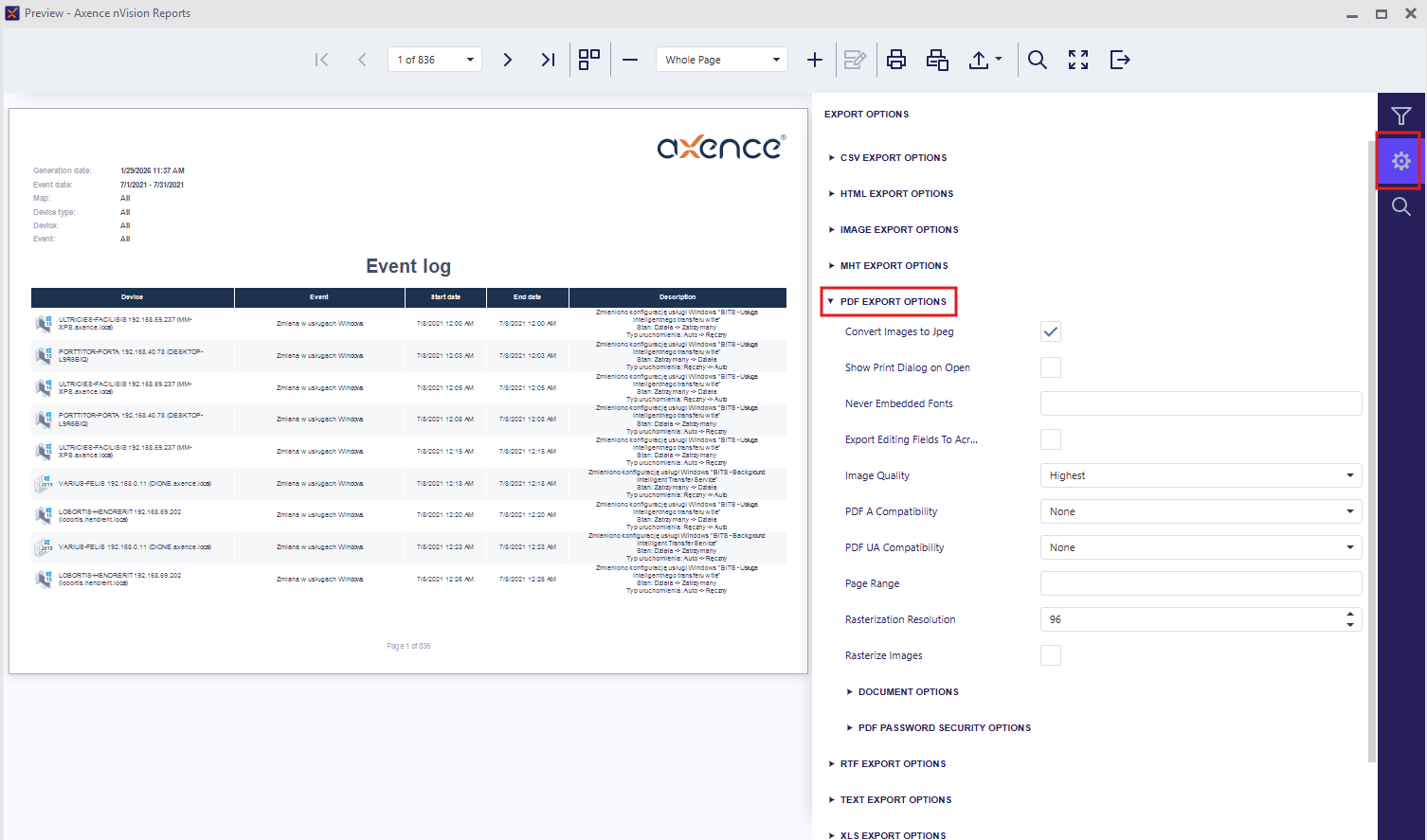
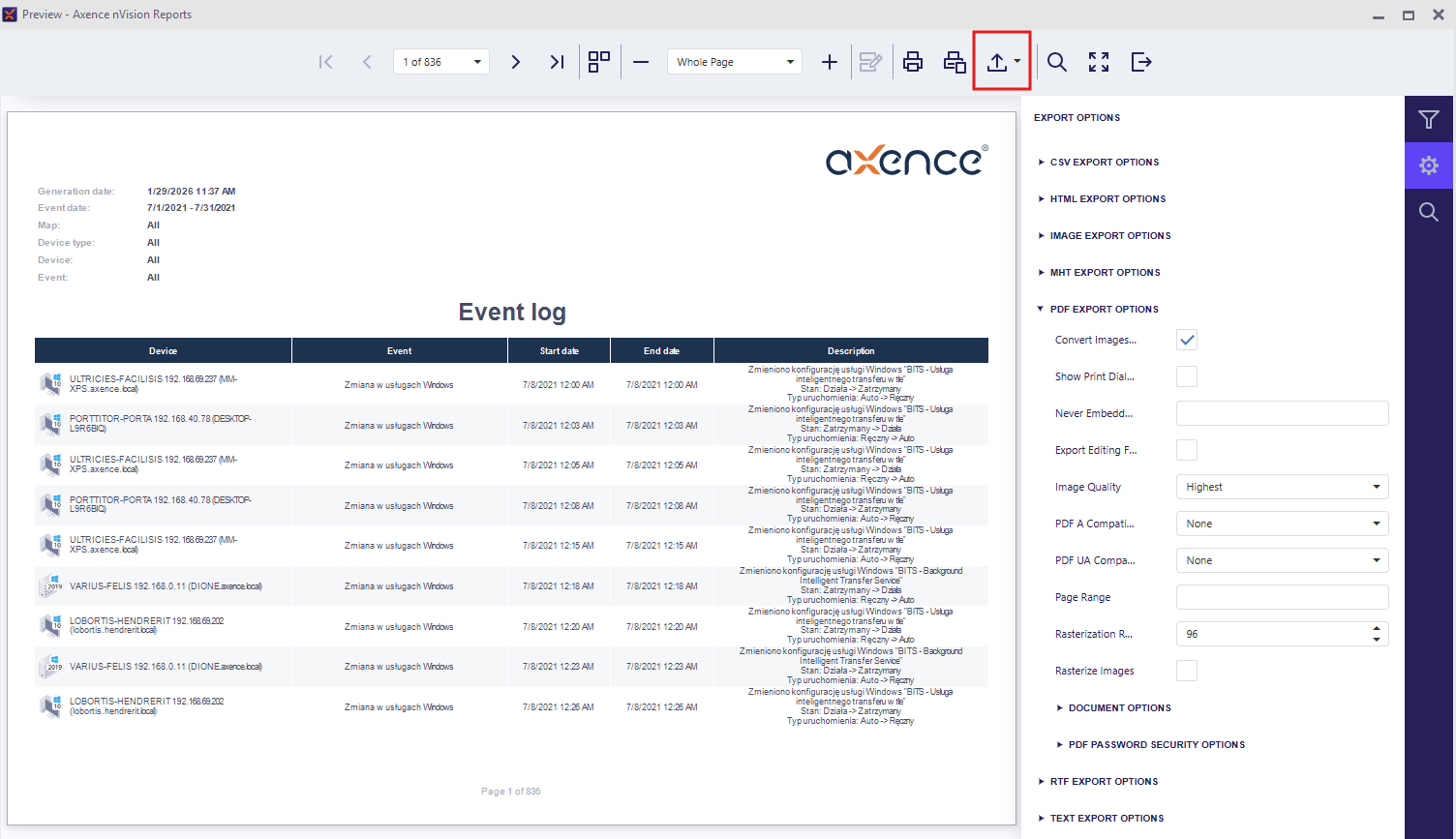
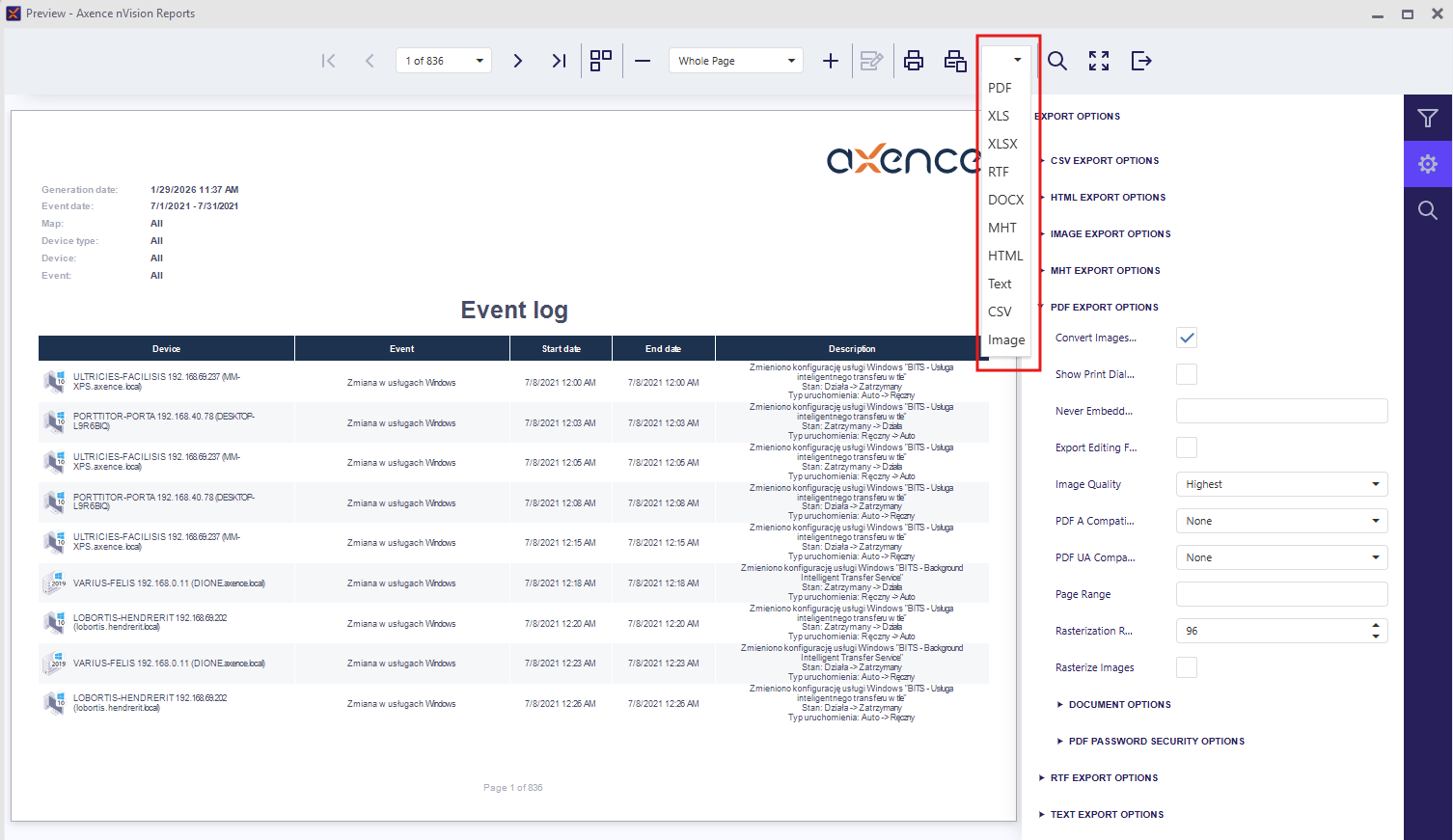
Axence nVision® generates the report, which you can export to a file. Export The export settings are in the pane on the right. To check what an option does, click on the icon next to its name – a tooltip appears.
After you set the options, export the report to a file in the selected format.
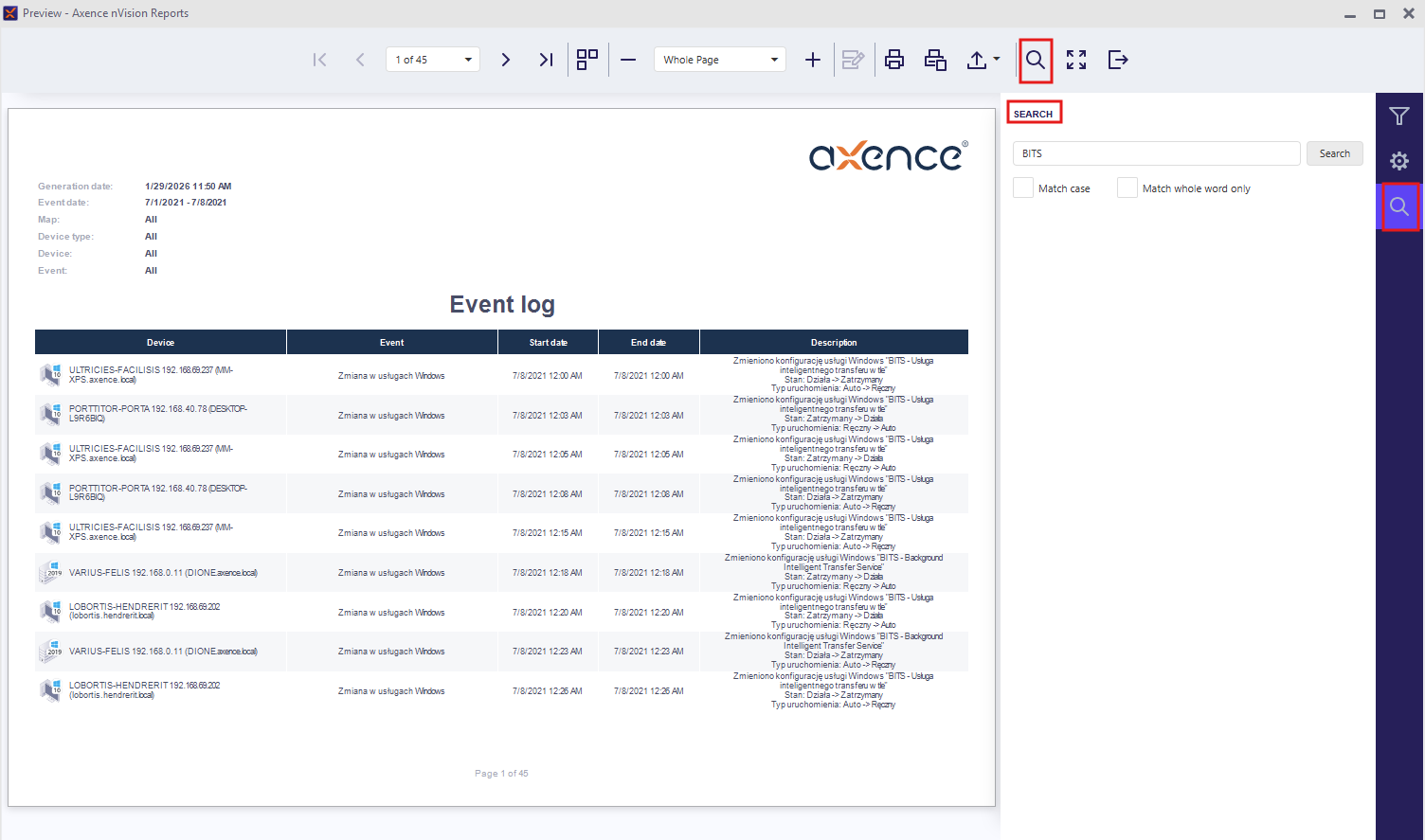
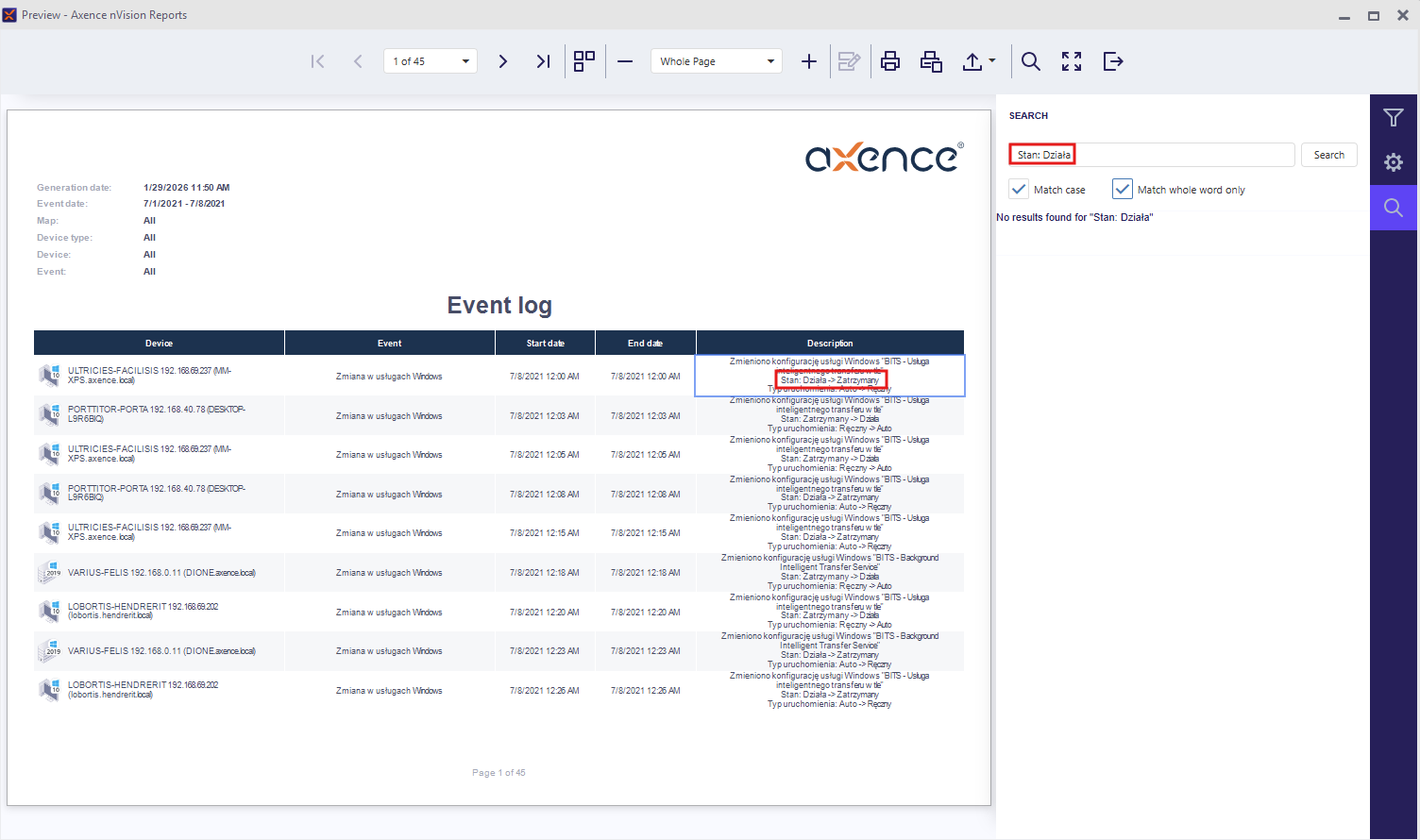
Search The Search section in the pane on the right (also available on the toolbar) lets you find a phrase in the report. Axence nVision® treats a phrase of several words as a whole:
•The Match case option applies to each word of the phrase •The Whole word only option finds exactly this combination of words in the given form, so an incomplete word returns no results
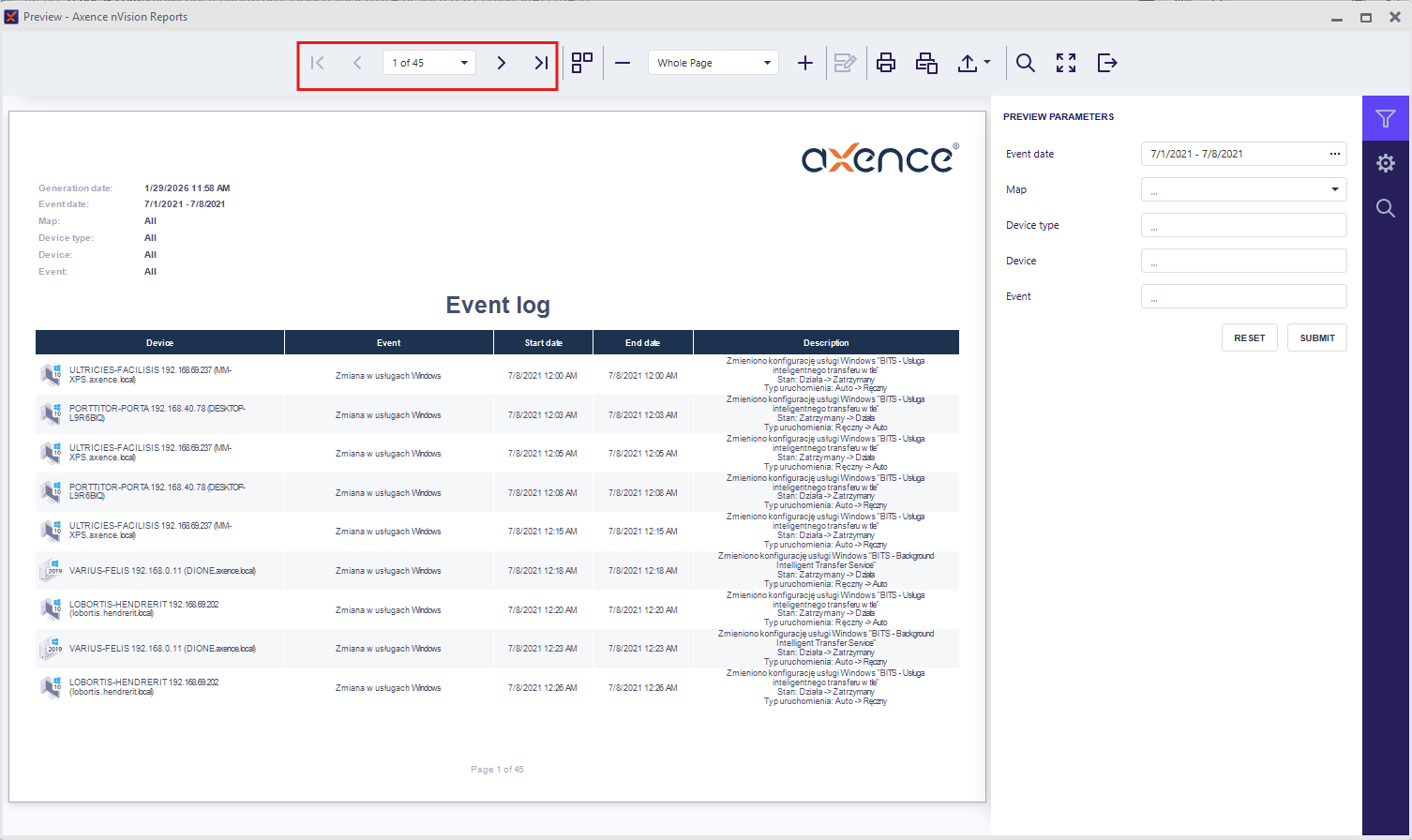
Toolbar Apart from export and search, the toolbar lets you: •Move between the pages of the report
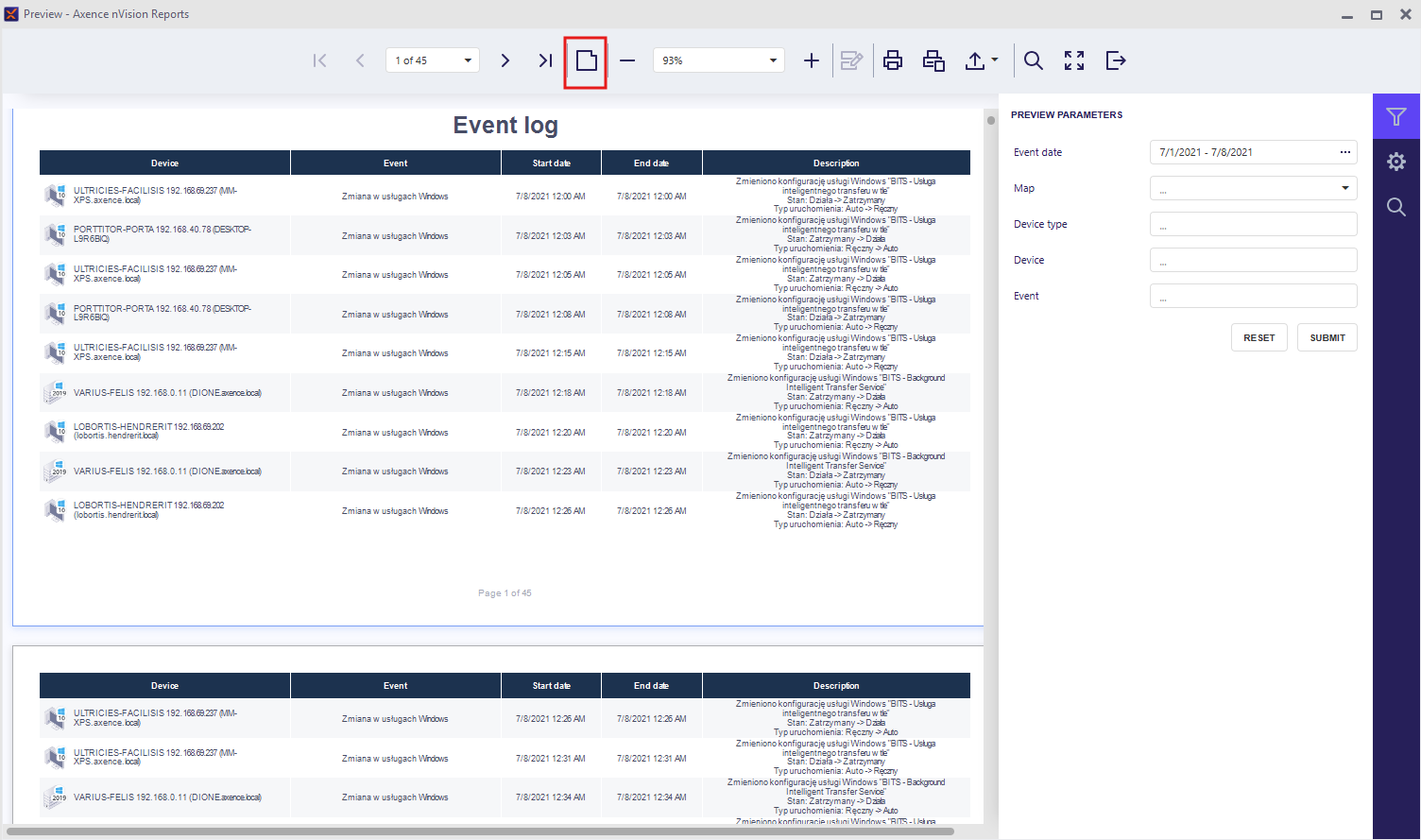
•Switch the display mode from multi-page to single-page and back
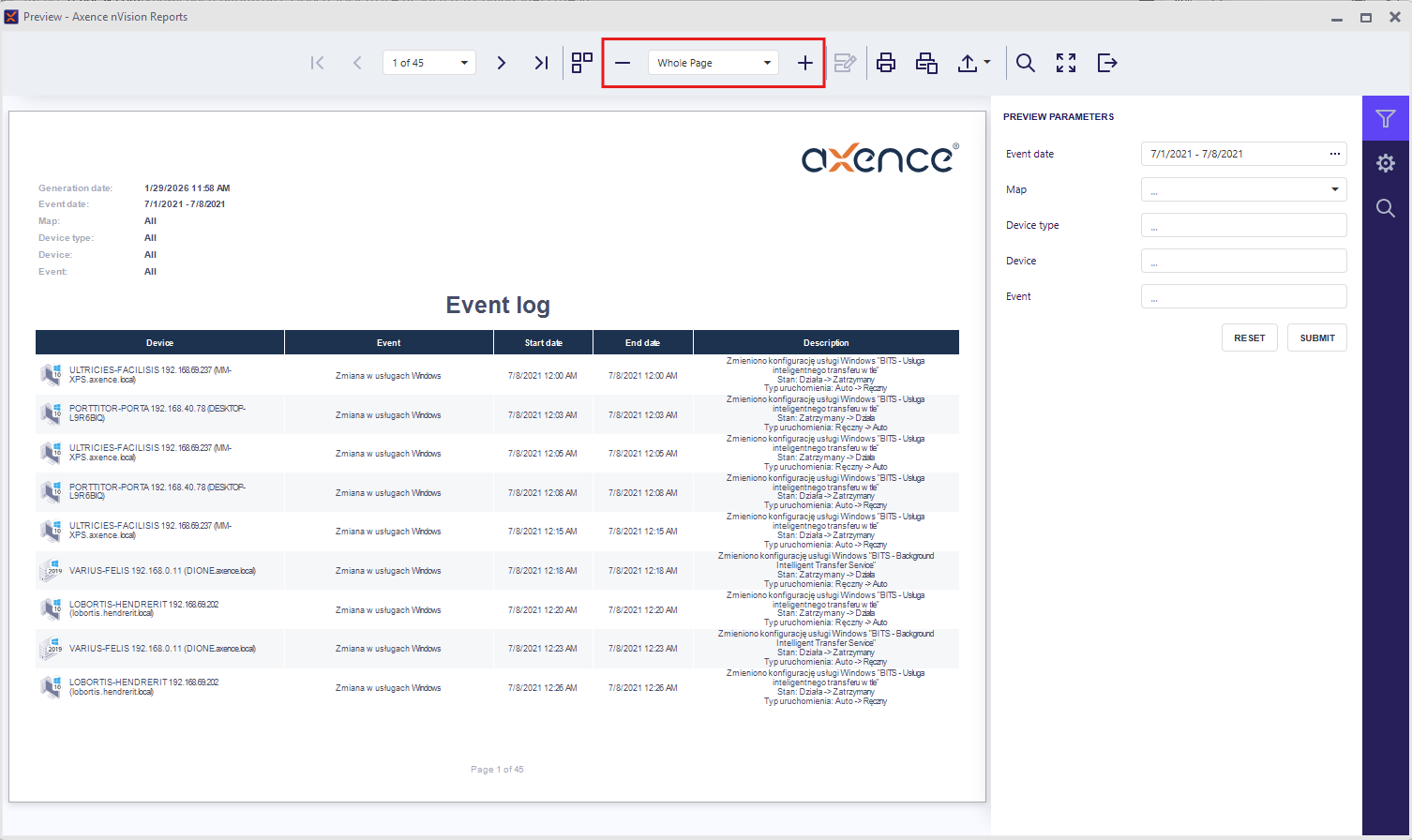
•Zoom out and zoom in
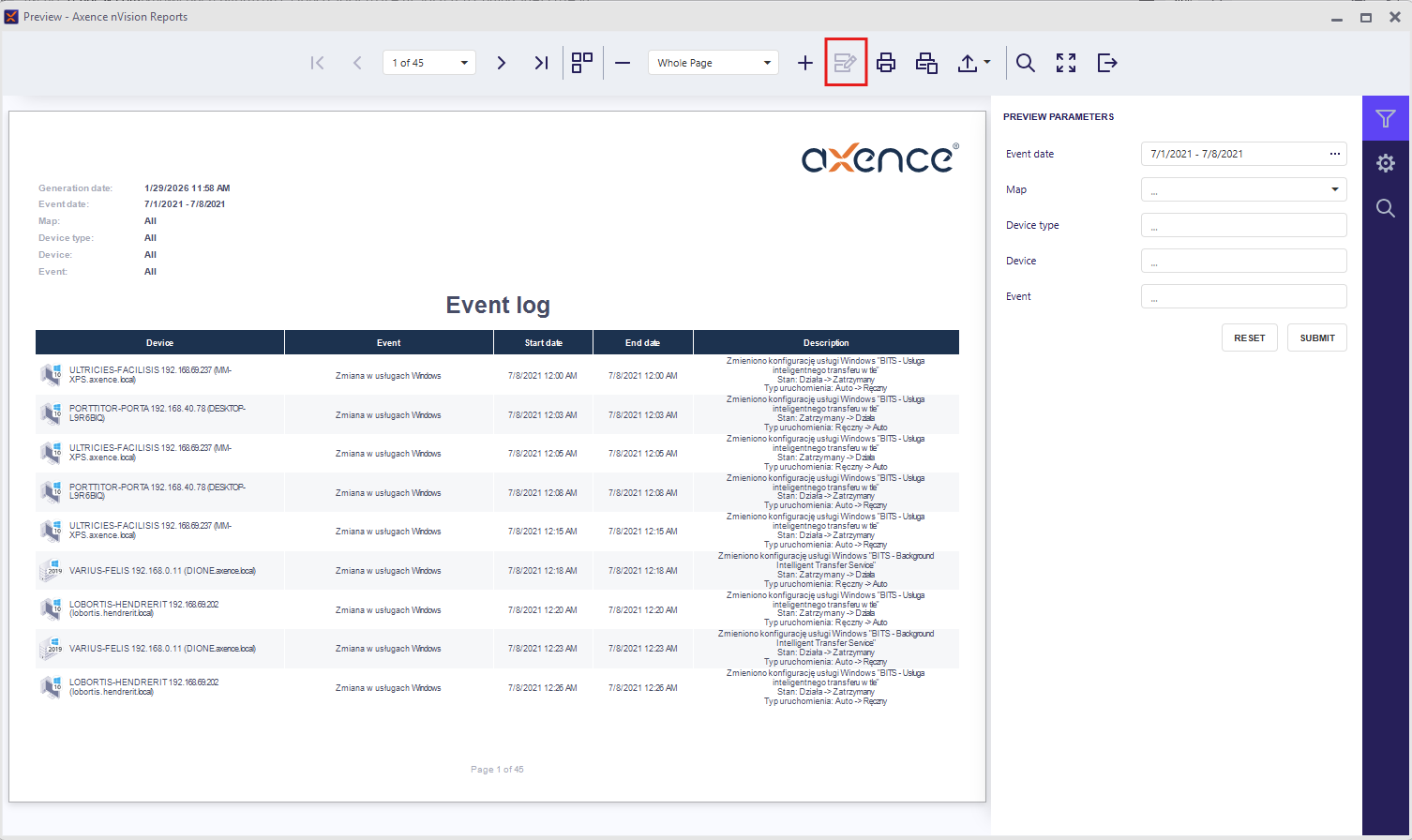
•Highlight the report fields that can be edited (none of the built-in reports has such fields)
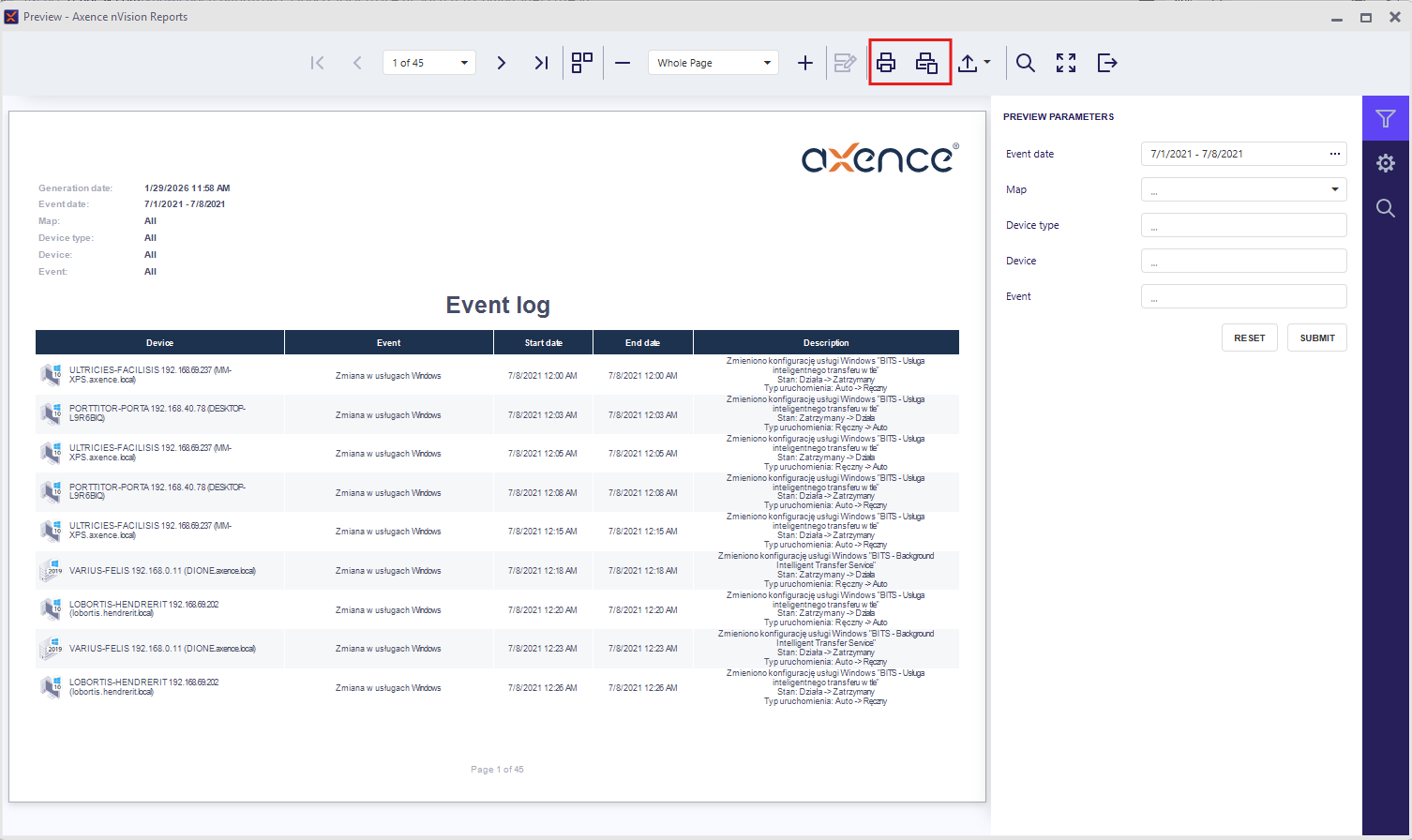
•Print the whole report or one page
•Turn on full-screen mode
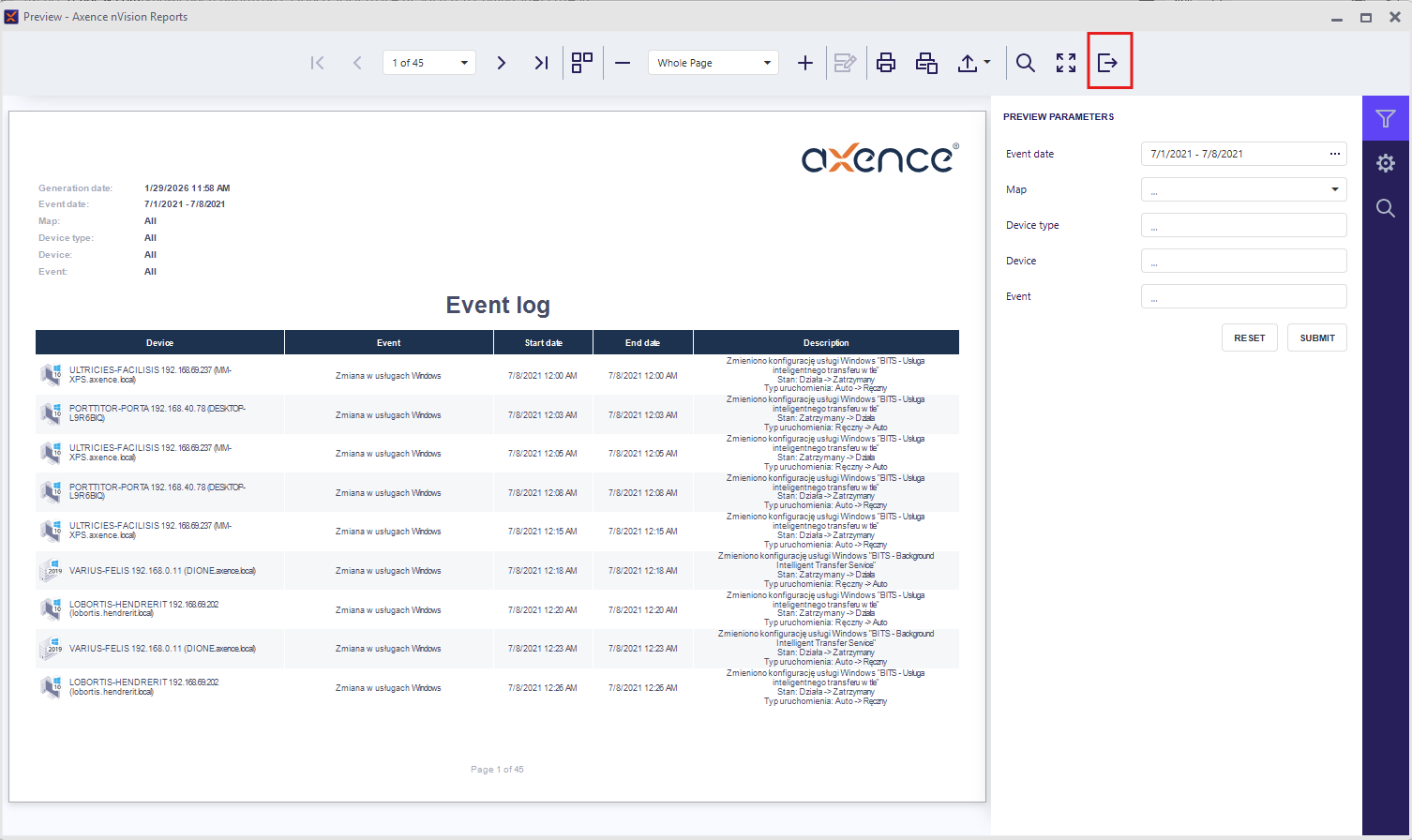
•Return to the list of reports
|