Group information window


|
Group information window |
|
|
On the Groups tab, you will find the list of all groups entered in Axence nVision®. To show detailed information about a group, click on its name. The group window has four tabs:
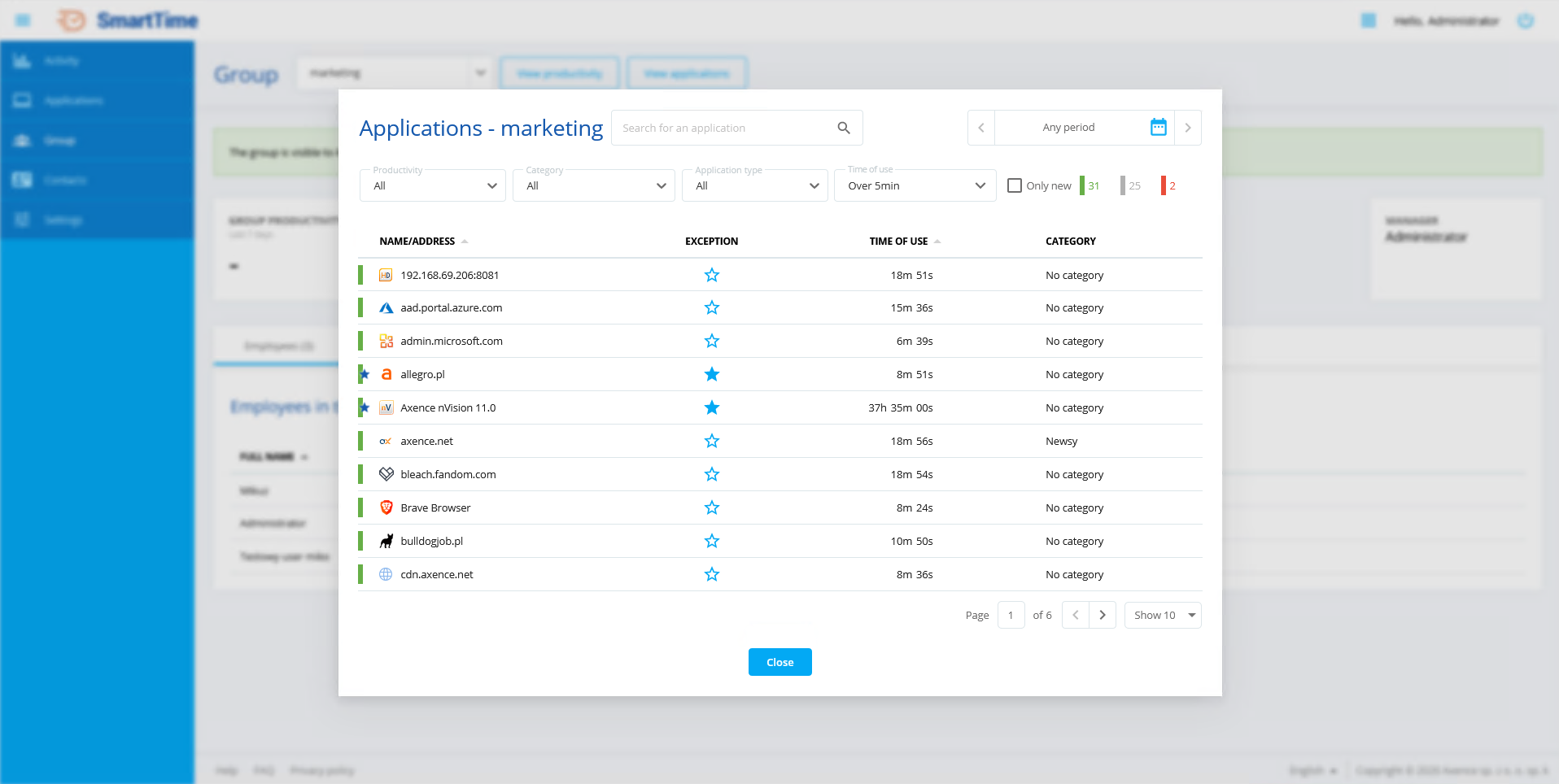
For details about the productivity of the group, go to the activity statistics with the [ See productivity ] button (see Activity statistics). To show the application settings for the group, use the [ See applications ] button. You see the list of applications in which members of the group were active.
If the group manager has data access for this group turned off, a corresponding notification is shown. |