Report event log


|
Report event log |
|
|
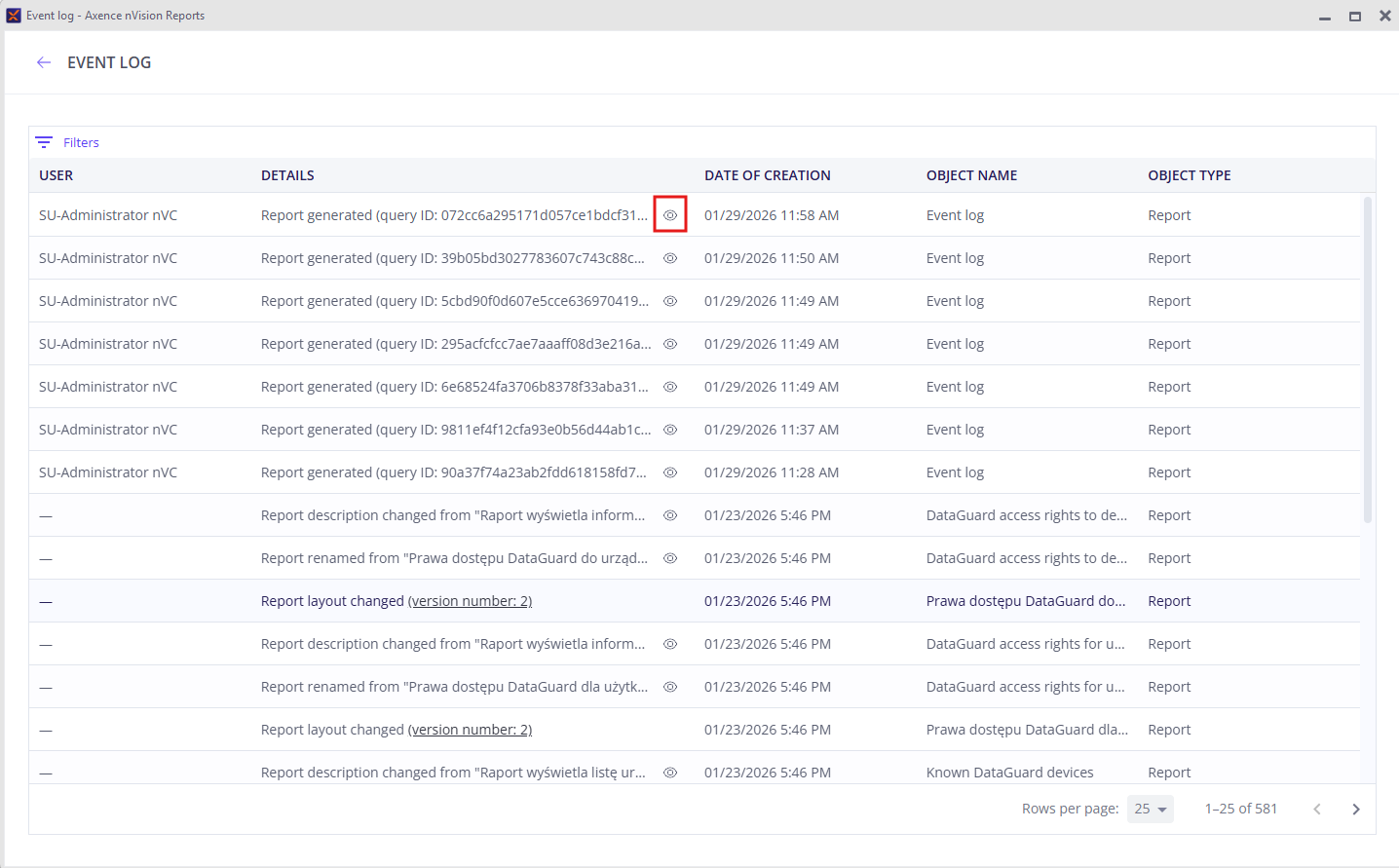
The event log records all user actions in reports. The recorded events are:
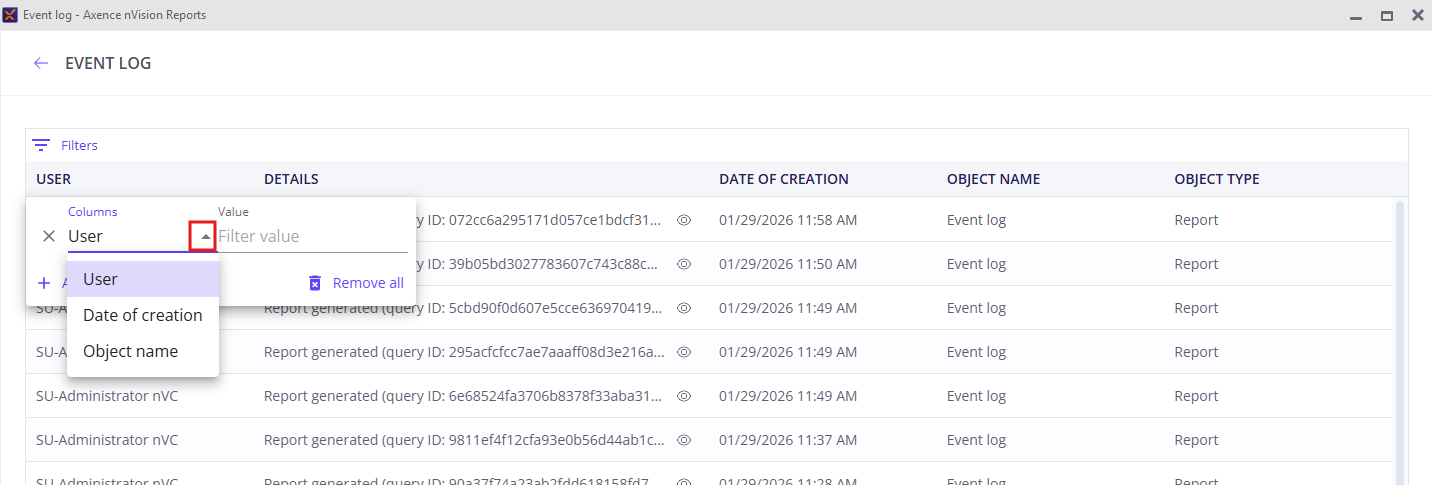
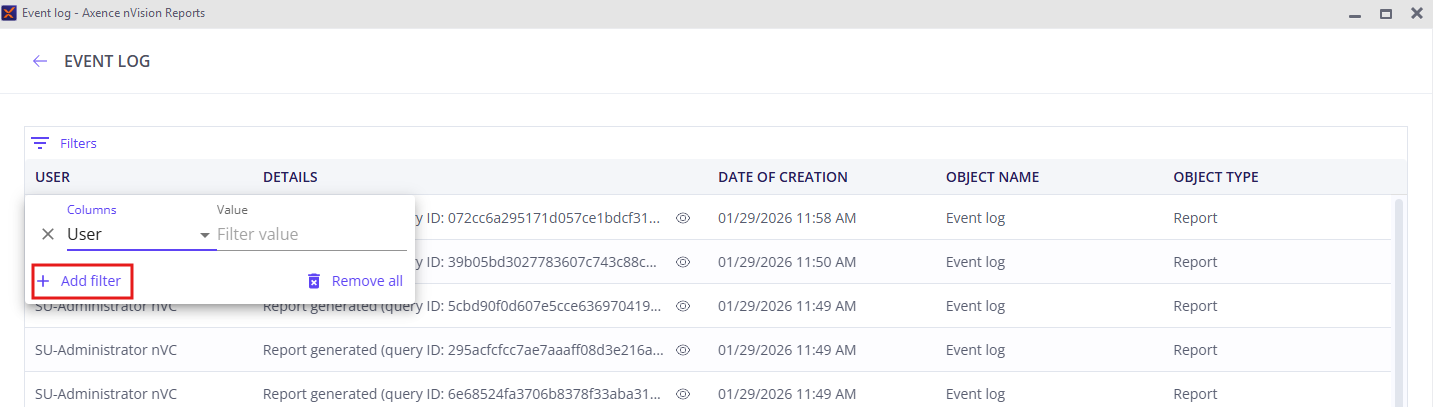
•Creating, generating, exporting and deleting a report •Changing the description, name, layout and folder of a report •Restoring a built-in report •Creating a folder, changing its name, space or parent folder •Creating and deleting a space •Changing the name and visibility of a space •Changing user groups in the visibility settings of a space Each entry contains: •The user •A detailed description of the event •The date •The object type (report or folder) and its name Filtering of entries You can filter the entries by user, date and object name. You can use one filter or several – then only the events that meet all conditions stay in the list.
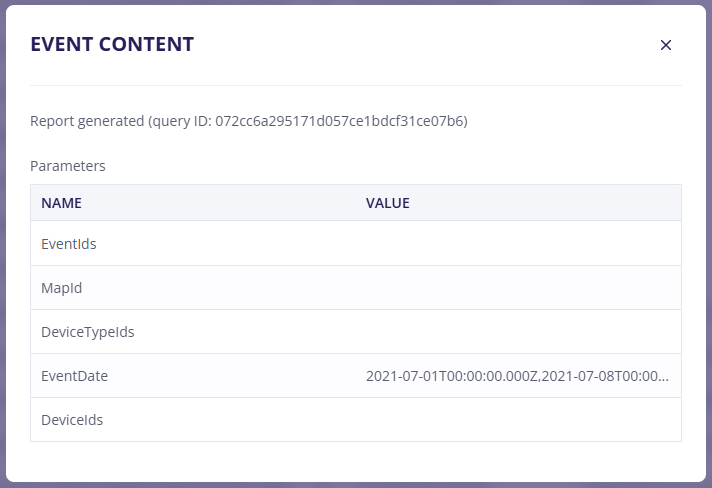
Event details Some events have an eye icon. Under it, there is additional information about:
•Report generation – apart from the query identifier, also the values of the parameters passed
•Report export to a file – the type of the output file
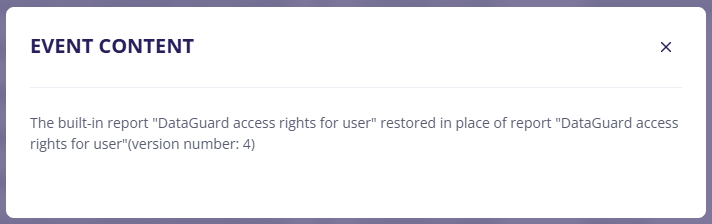
•Restoring a built-in report to the original version
|