HTTPS access


|
HTTPS access |
|
|
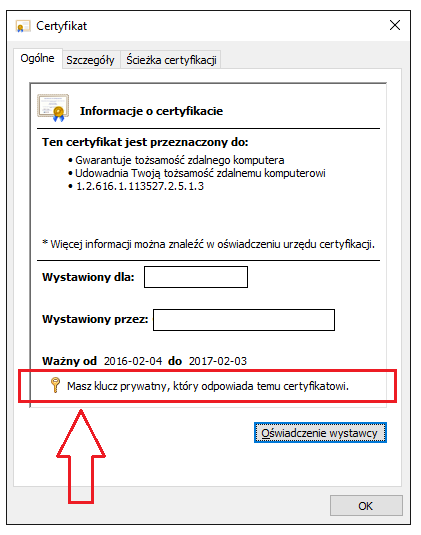
To use the HelpDesk module over HTTPS with an SSL certificate, the nVision server must run on Windows Server 2012, Windows 8.1 or later. Older operating systems do not support encrypted WebSocket connections. The SSL certificate must be valid and meet these requirements: •It is issued for the domain under which HelpDesk will be available. •It contains a private key.
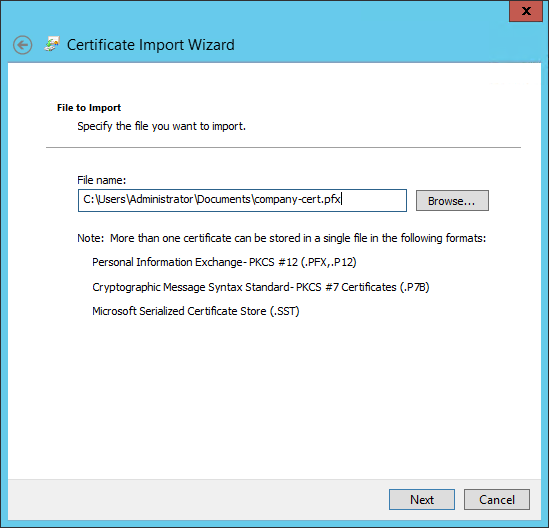
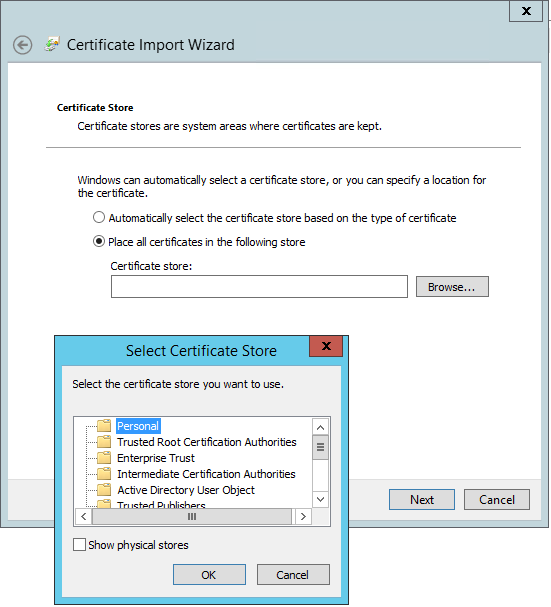
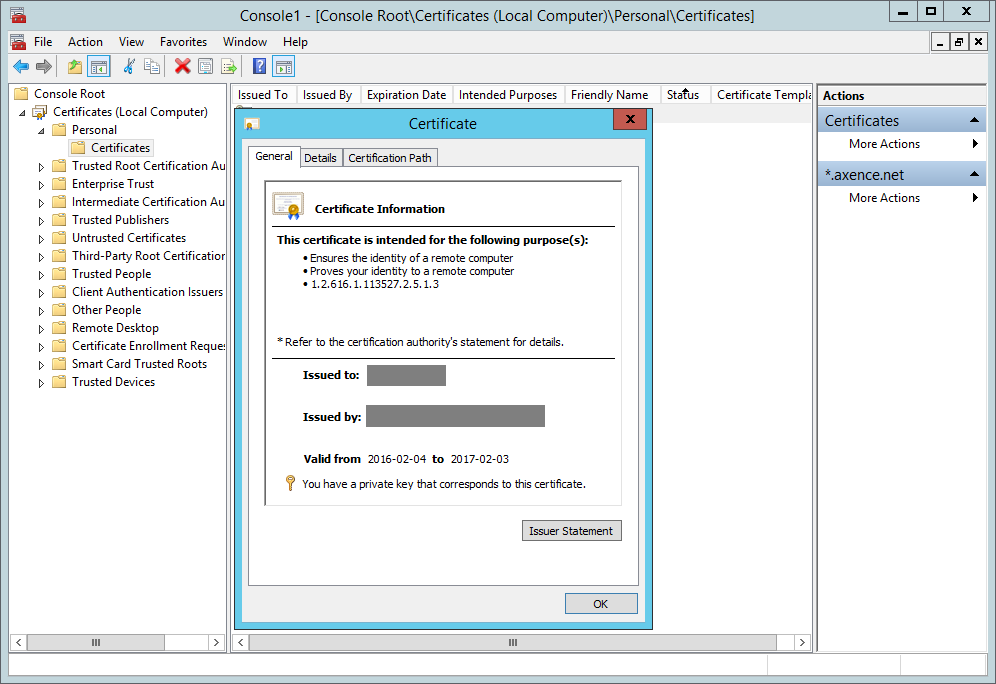
•It is added to the personal certificate store of the server on which Axence nVision® is installed (System Certificate Store / Local Machine / Personal). Important! You cannot use a certificate installed in the user store to configure encrypted access to the HelpDesk module.
To configure encrypted access to the HelpDesk module: 1.Go to Main (ribbon) > Options. 2.On the Service configuration tab, select the certificate installed on the server from the Encryption list. The HelpDesk URL changes automatically to https://FQDN:port. 3.Adjust the FQDN to the DNS name for which the certificate was issued. 4.Copy the whole URL and check whether it opens in the browser. 5.If it does, click on [ OK ]. Axence nVision® sends the URL to the Agents. |